The Best Free Interactive Presentation Software in 2026
From sales pitches to product demos, good presentations can make a powerful impact.
The right words can inspire customers, get you noticed by the top brass, and start conversations that lead to lucrative deals.
However, it's impossible to achieve that with another boring PowerPoint presentation. That’s why here, at Publuu, we are dedicated to creating a tool that delivers an interactive experience for your audience. This focus on interactivity aligns with presentation and content-delivery standards relevant for 2026 digital communication practices.
Below, we have selected five examples of free presentation maker software that can make your presentations interactive in real time!

Content List:
- What is an interactive presentation?
- How do you make a presentation interactive?
- Publuu - an interactive presentation without PowerPoint
- ISpring
- Slide Dog
- SharpCloud
- InDesign
- Bonus! How to create an interactive presentation on zoom
What is an interactive presentation?
To put it simply, it is a type of presentation that allows you to dynamically deliver your message in a unique and interactive way.
Interactive presentations take the idea testing to a new level, making them more dynamic and engaging for your audience. By using interactive presentation software you can ask your audience questions in real-time.
Asking questions improving engagement? How?
The idea is quite simple: the human mind always needs some sort of interaction. That's why your audience tends to "switch off" during regular PowerPoint presentations. This is what interactive presentations do for businesses. They give your clients a chance to interact with your product. Your audience gets to truly see the value of your message.
How do you make a presentation interactive?
Presentations can be boring and a waste of time if you have no effective communication strategy. Effective strategies increasingly draw from audience-centric and interactive formats recognized in communication trends of 2026. So the million-dollar question is how to make it interesting not just for your audience but also for yourself.

Making a presentation doesn’t necessarily mean having to stand behind a podium and speak. You achieve the most when you engage with your audience and discuss your ideas. Every presentation should entail a goal in mind, whether it is to generate interest in your company, present an idea or provide feedback.
When creating your presentation, your first step should be identifying your objective.
If your objective is to be engaging, then what you need is a presentation that your audience can interact with. And if you're giving a presentation in person, then you can get creative with props, interactive demonstrations, and even music!
But what if your presentation is given online?
Marketers often stress the importance of visualizing their presentations, and this is good advice! With today's technology, you can show your audience videos, visualize content by previously created mood board, ask them a question, or even make a game out of it!
And while it does sound fun, it all comes down to the software that you are using. And your skills.
But don't worry!
We have prepared a list of 5 free online systems, that you can use to create interactive presentations, that will get your message across. Each one of them is free and easy to use - so you wouldn't have to worry about technical know-how. All you need to do is to focus on choosing the right words.
Publuu - interactive flipbook maker (recommended)
What if your presentation is meant to sell your product?
Would you schedule a call with potential clients and show them the same PowerPoint slides over and over? Or would you rather have your sales pitch embedded in the landing page?
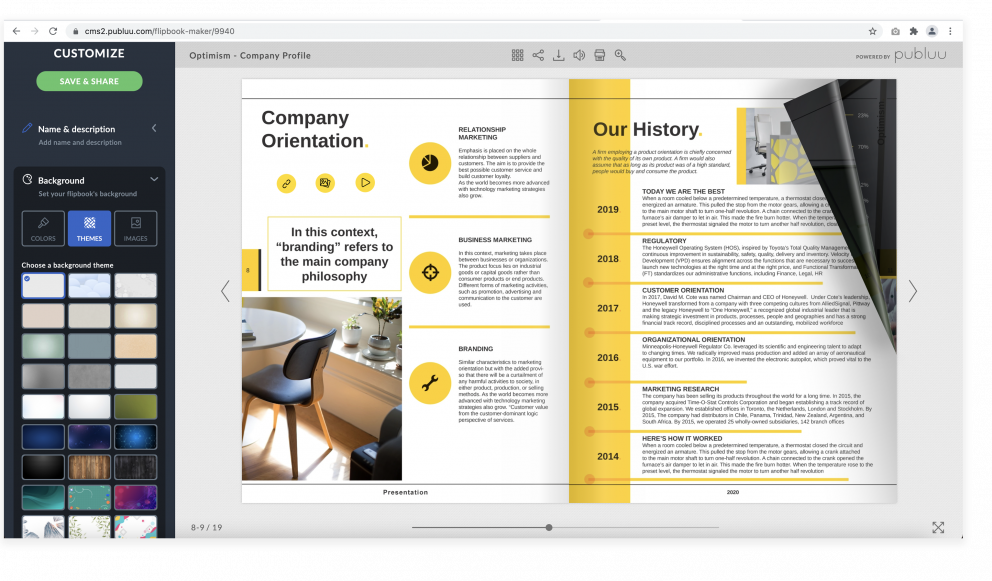
Whether you are doing your business in a traditional way, or online, Publuu is here to help. You can turn the presentation of your product into a digital flip book that is accessible from anywhere in the world. You can easily add interactive hotspots on any of its pages to get your clients full attention on your products and share on many different ways online. What's great about this solution, is that Publuu's algorithm makes your content look better without any effort. Every slide of your presentation will have an animation of a turning page. Just like a real book!
Publuu’s interactive presentation example
What if you are looking for a tool to replace PowerPoint?
Publuu can turn your slides into an interactive presentation with no extra effort. No more repetitive templates and boring animations. Just drag and drop your files and let Publuu do the rest.
ISpring
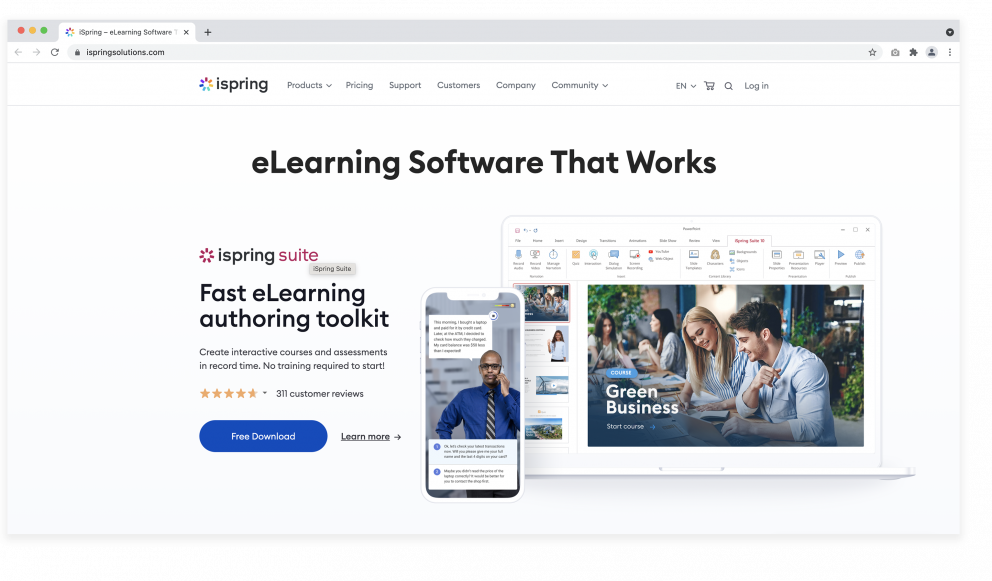
Are you looking for an alternative to Powerpoint or Keynote for your classroom or work presentation? ISpring is not just a presentation tool. It’s a platform for everyone – from educators to students, and designers. With this solution, anyone can create engaging presentations for learning.
The best thing is, your interactive presentation can be viewed on any device. Engage with your students when they're on their iPhones or tablets.
This platform is compatible with PowerPoint and most of the Learning Management Systems. It's a perfect tool for teachers!
All that functionality may cost you around $970 per year (or its equivalent in local currency). Luckily, this tool still offers a free (or trial) version which may suffice for many use cases.
Slide Dog
Imagine this: you are in charge of a big meeting, where you would present ideas from multiple teams. Sadly, every team has prepared their work in a different file format and it's up to you to put it all together.
Sounds tedious, right?
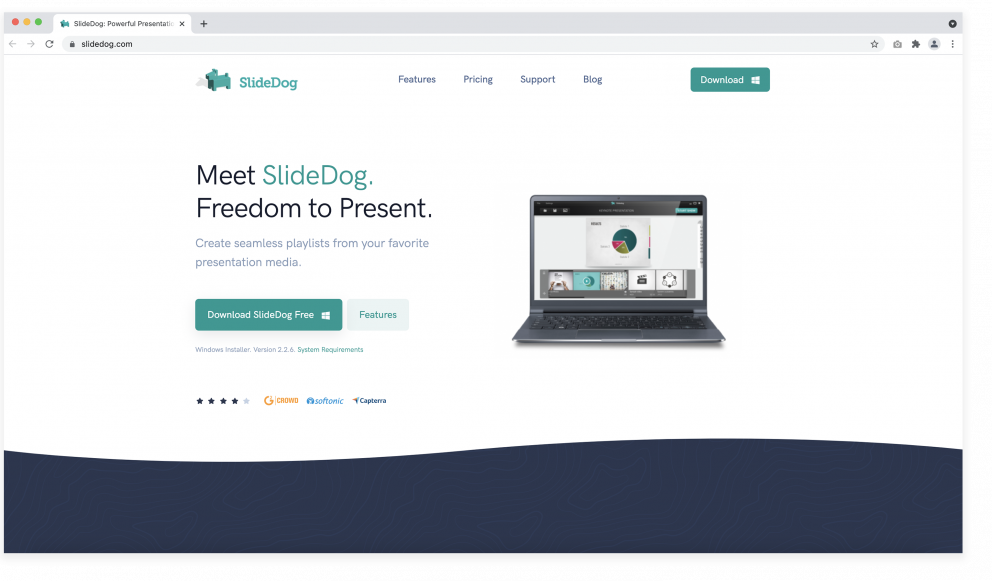
Well, it doesn't have to be. With SlideDog you can put together all the PDFs, videos, and websites into one interactive presentation. All that in a manner of minutes! It's a great solution that your audience will appreciate. There's nothing worse than watching someone search for the PDF file in a middle of a presentation.
It has a number of interesting features, such as Live Sharing, that let's share your presentation with a single URL. Your audience can then comment and browse previous slides in their own time.
SlideDog is free to download but, there are paid plans, starting from $19 a month.
SharpCloud
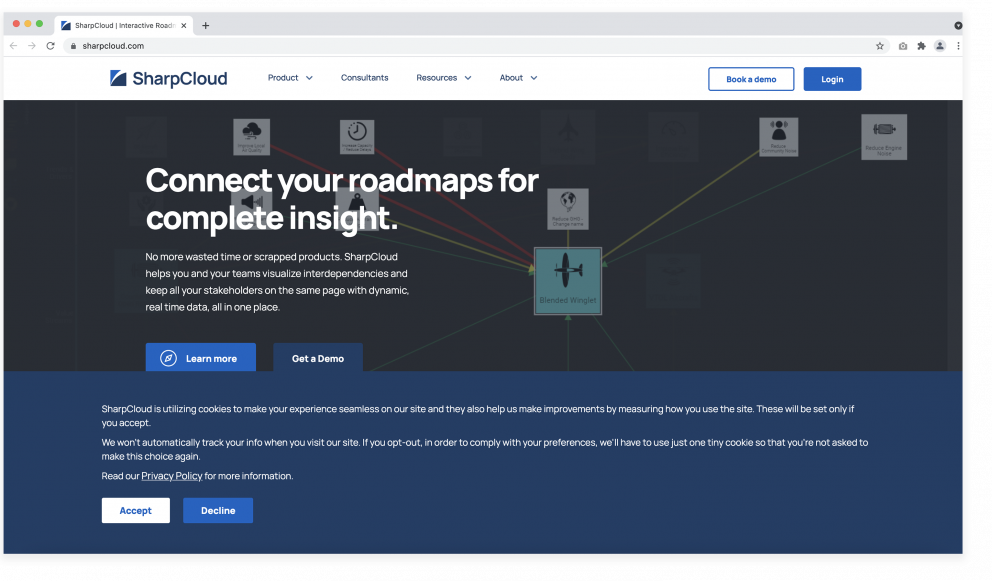
Sharpcloud helps you create interactive presentations, such as infographics, product demos, and video galleries. Now anyone can create compelling, interactive professional presentations quickly and easily.
What makes this solution different from the others is its ability to adapt your presentation in real-time. It does that with a number of features designed to keep your audience engaged. The more comments and questions you will get, the more interactive your presentation will become.
This tool lets you share your data-driven presentations online, giving you full control over your content.
It does publish pricing in its current documentation (plans and custom enterprise quotes) - for full usage you may need to request a quote.
Adobe InDesign
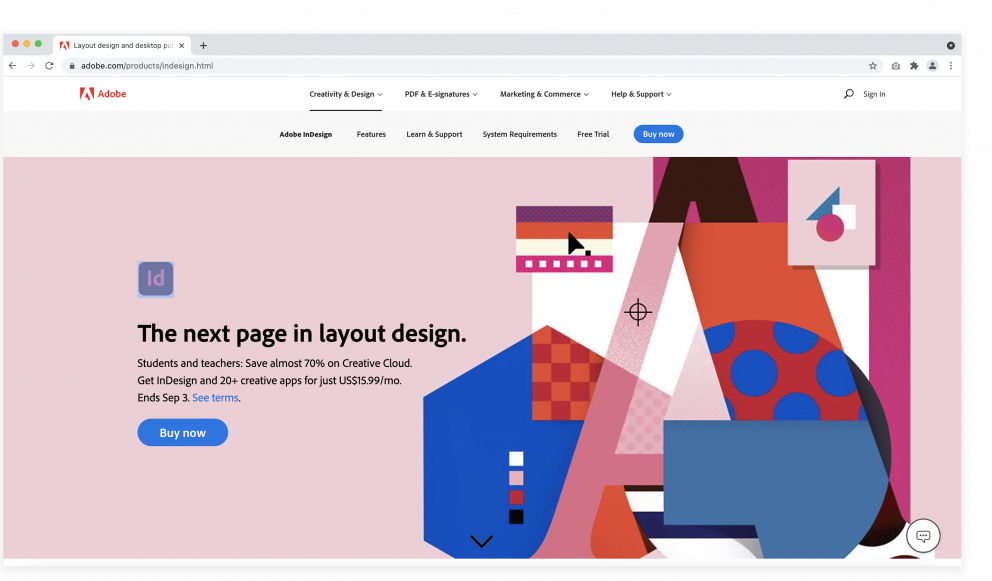
Adobe products are almost as popular as MS Office, with InDesign being a direct competitor to PowerPoint.
This solution lets you that create and edit interactive magazines, digital catalogs, and brochures. You can create a dynamic multimedia presentation that will be formatted to mobile devices.
A multitude of features makes this a high-level tool for advanced users. But, if you have a demanding audience and the right skills, you can try Adobe InDesign’s free trial to see if it suits your needs.
Bonus! How to make an interactive presentation on Zoom
Ever since the pandemic, Zoom has become THE conference app that everyone has been using.
It is being used by everyone, from schools to businesses. Now, any meeting can be held online with a little help from the mic and camera. However, we are all still growing pains when it comes to giving a presentation online.
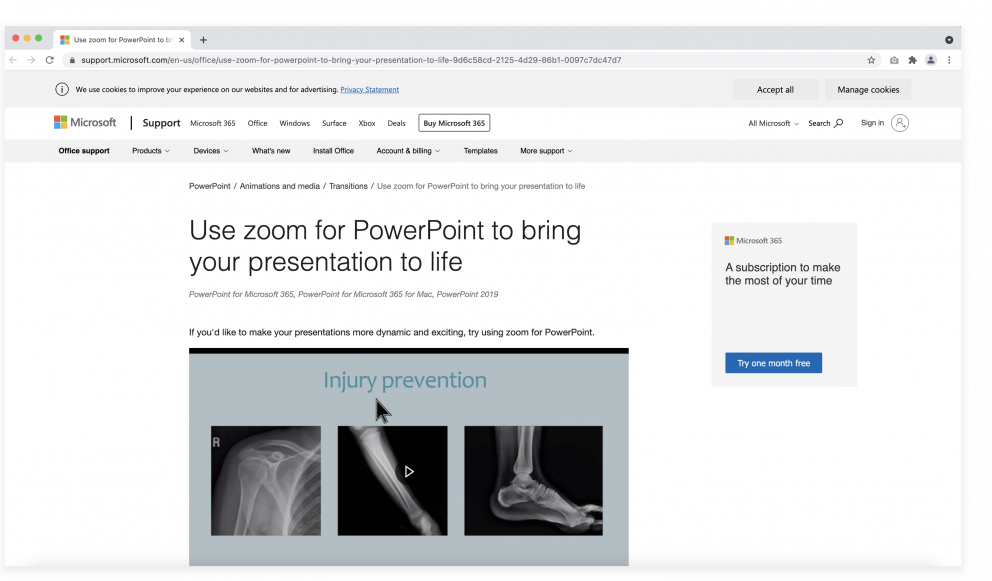
Microsoft’s PowerPoint now supports a Zoom feature, which allows nonlinear navigation through your slides. To use it, go to the Insert tab and click Zoom.
In PowerPoint for Microsoft 365 or newer versions, you can get an overview of your slides and jump between them freely. It's great for jumping ahead a few slides, just to answer a question from your audience. This feature works best when you have at least two monitors. This way, you can share your presentation on one screen and manage it on another. Worth keeping in mind! Such remote-presentation solutions reflect the hybrid communication frameworks and workflow expectations associated with 2026 business collaboration standards.
You might also be interested in:
The best online presentation tools in 2026