Top 10 Websites for Presentations in 2026
In 2026, creating and showing presentations online has become faster, easier, and much more interactive than ever before. With new AI tools and cloud platforms, you don’t need to be a designer or a tech expert to make something that looks great.
Traditional software like Microsoft PowerPoint and Keynote are still used, but many people now prefer online tools that can build slides automatically, help with design, and even allow real-time teamwork. These tools remove the problems of version control, slow file sharing, and limited design options. Everything happens right in your browser - quick, simple, and ready to share.

This is where presentation websites truly shine in 2026. They use AI and smart design features to help you make beautiful presentations in minutes. You can start from text, choose a template, or import an existing PowerPoint or PDF. These platforms are now designed for both work and education, allowing easy collaboration, simple sharing, and professional results - even if you are new to design.
Benefits of interactive presentation websites
There are many reasons you should pick these websites to design your own presentation:
Ease of use
In 2026, most presentation websites offer smart assistants and AI support that help you build slides quickly. The drag-and-drop interface is still there, but now you can simply write your text, and the tool will generate matching layouts, images, and colors for you.
Low cost
Many of these online tools offer free plans or affordable subscriptions. Thanks to cloud access, you don’t need to buy expensive software or install anything. You can try premium features with free trials and easily cancel if you don’t need them.
Variety of templates
In 2026, template libraries are larger and more customizable than ever. You can choose between modern, minimal, or corporate styles and quickly change colors or fonts to match your brand. Some websites even suggest templates automatically based on your topic.
Visual attractiveness
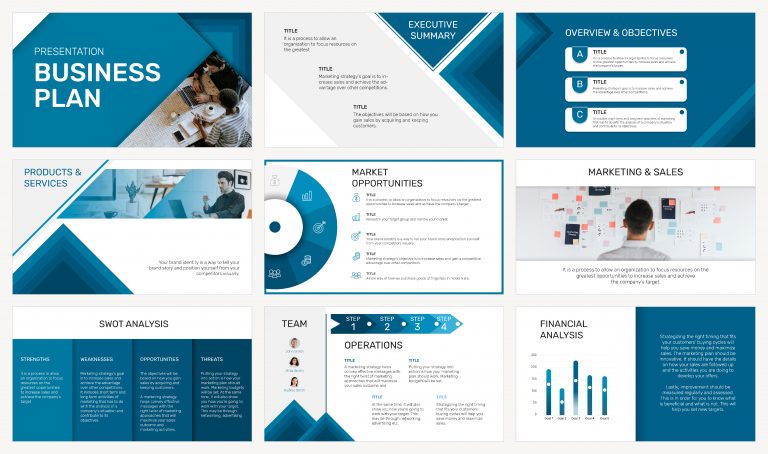
Today’s presentation platforms include AI image generation, built-in animations, and motion effects that make your slides stand out. Instead of static slides, you can use transitions, charts, and even short video clips created right inside the app.
Collaboration
Collaboration is now standard. You can invite teammates to edit or comment in real time, no matter where they are. Most platforms integrate smoothly with Google Workspace, Microsoft 365, and Slack, so working together feels natural and fast.
Accessibility
Since these tools work completely online, you can open, present, and edit your slides on any device - computer, tablet, or smartphone. You simply share a link and your audience can view or comment instantly. This makes remote presentations and hybrid meetings easier than ever.
Best websites for presentations
Below you’ll find the updated list of the top presentation websites that continue to perform strongly in 2026. Each one offers something unique, from smart automation to interactive visuals, so you can choose what fits your needs best.
1. Publuu (recommended)
Publuu is a presentation publishing platform that allows you to turn your presentations into interactive dynamic presentations. Each presentation from Publuu is unique with a page-turning, shadow effect. You feel like you're holding a real book in your hands, and you can easily add links, interactive galleries, or videos to your presentation.
You can learn more about online presentation tools from our Knowledge Base. Publuu offers you an easy way to integrate video presentations with learning materials and similar PDF and PowerPoint files.
In 2026, Publuu continues to grow in popularity thanks to its smooth mobile experience and analytics features that let you track who views your presentation and for how long.
Publuu’s online presentation example
View more presentations examples
MAKE YOUR OWN
2. SlidesAI
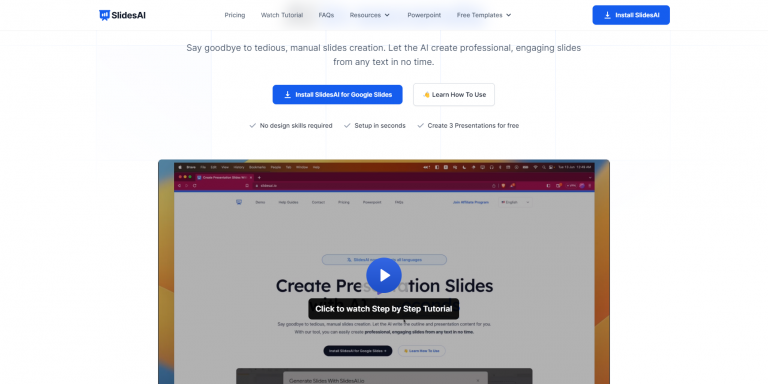
SlidesAI is a cloud-based presentation creation platform that uses artificial intelligence to generate interactive presentations automatically. With this tool, you can turn any text into beautiful slides, saving you time and effort. The 2026 version uses improved AI models that understand tone and style, letting you create custom slide themes directly from your written notes or meeting summaries. Many types of presentations are available, from business presentation to pitch decks.
3. Canva
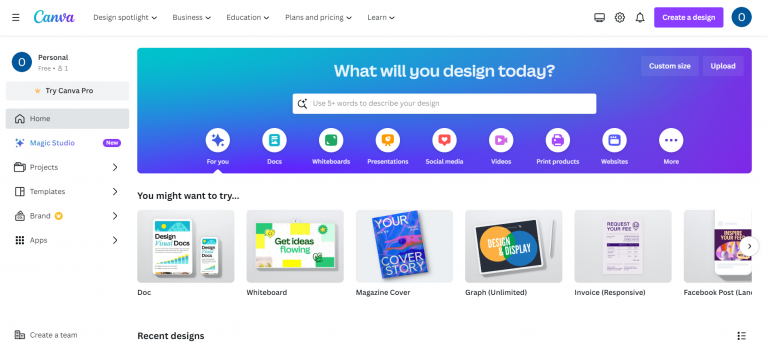
Canva is a graphic design platform that can also be used to create presentations. It offers a wide range of templates, design elements, and fonts, and its new "Magic Design for Presentations" feature uses AI to create full decks from short prompts, while keeping everything easy for beginners.
You can also create a flipbook with Canva. After designing your PDF in Canva, using its array of templates and tools, you can effortlessly export it to Publuu pitch deck creator with just one click, allowing you to showcase your presentation online in an interactive flipbook format.
4. Mentimeter
Mentimeter is a presentation website platform that allows you to create polls, quizzes, and other interactive elements to engage your audience during your presentation. You can use this presentation maker in the classroom but also in the office to better engage business clients, create a quick poll, and illustrate your point better. In 2026, this tool now connects directly with Zoom and Microsoft Teams, allowing you to run polls and quizzes inside your live meeting window.

5. Prezi
Prezi is a presentation software that uses zoom and pan effects to create a visually more dynamic presentation than traditional slide-based presentations. The animated fractal style allows you to zoom in and out and create stunning presentations in a couple of minutes. This solution lets you display your online presentation with dynamic effects showcasing the whole idea in a single shot. Recently, this tool introduced AI-powered layout suggestions and compatibility with augmented reality, helping presenters engage audiences in hybrid events.

6. Powtoon
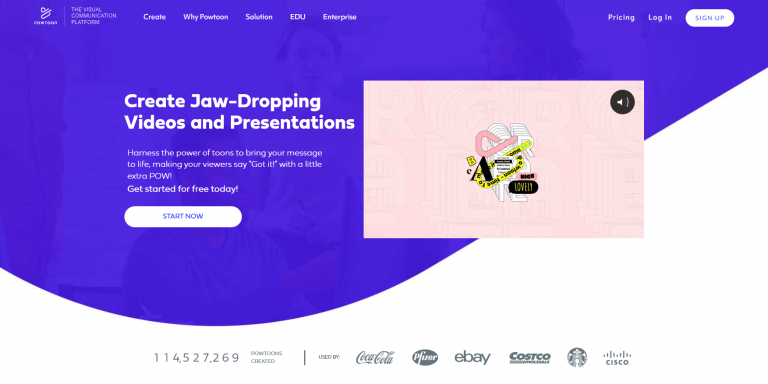
Powtoon is a video presentation software that allows you to create animated presentations with professional-looking graphics and voiceovers. This presentation website lets you create character animations yourself and add appropriate visual effects, which are sure to attract the attention of your audience. This presentation tool lets you add new presentation templates and it's not just focused on animation. Its latest update allows integration with Canva and Google Drive, so you can use your own assets and automatically sync them with your animated presentations.
7. Slidebean
Slidebean is another intuitive presentation website that uses a drag-and-drop interface to create presentations. It offers a variety of templates and design elements, as well as a built-in library of stock photos and videos. It works with PowerPoint templates and lets you create a free presentation in just a few minutes without having to install additional software! The platform now uses AI templates that adapt automatically to your brand style and preferred layout.

8. Google Slides
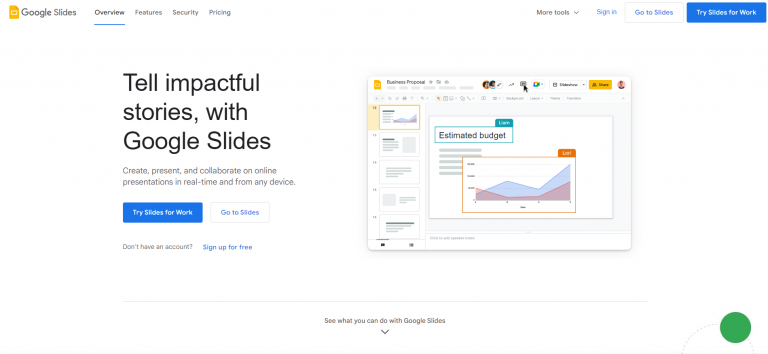
Google Slides is free presentation software that is a part of the Google Workspace. It is easy to use and enables collaboration, making it a popular choice for businesses and individuals. It works similarly to MS PowerPoint and can open PowerPoint files but it is available in the cloud and can be used for free. You can find a list of Powerpoint alternatives in our Knowledge Base. In 2026, this tool includes Gemini AI assistance, which helps write content, generate visuals, and suggest speaker notes - all in one place.
9. Visme
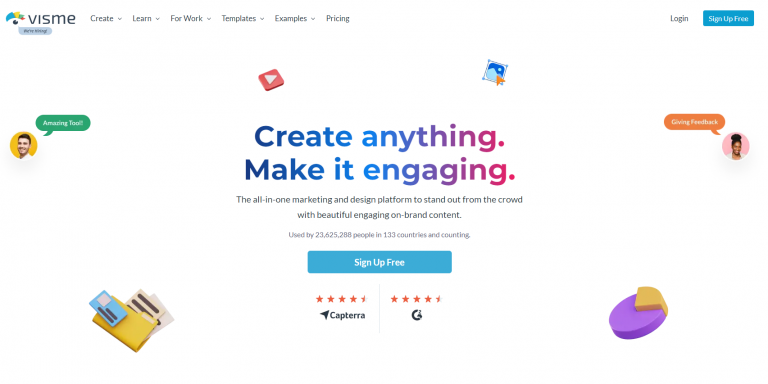
Visme is a presentation, infographic, and data visualization software that offers a variety of templates, design elements, and interactivities. It is a good choice for creating presentations that are visually appealing, informative, and engaging. It's a great data visualization tool for translating data into interesting content in the form of infographics and beautiful presentations. The tool now features an AI data visualization engine that turns numbers and spreadsheets into ready-to-use infographics or charts in seconds.
10. Microsoft Sway
Microsoft Sway is a cloud-based presentation software that uses Microsoft's artificial intelligence capabilities to create presentations tailored to your audience. It can create impressive slides and export them as PowerPoint slides. This solutin is a good choice for creating presentations that are both visually appealing and engaging. This tool continues to evolve, now supported by Microsoft Copilot and Designer, which help create more dynamic visuals and improve slide storytelling automatically.
Making the right choice
Choosing the right presentation website in 2026 depends on what you need most - speed, teamwork, or creativity. Thanks to AI, most tools now combine smart design, automation, and real-time collaboration, so you can focus on your message instead of formatting slides. When deciding, think about:
- Ease of use: How easy is the site to use? Does it have a drag-and-drop interface? Are tutorials or support available? With Publuu you can create an online presentation in minutes by converting a PDF file - creating a presentation from scratch in Prezi can be a bit overwhelming.
-
Accessibility: How much does the website cost? Are there free trial periods or discounts available? Publuu offers a two-week trial period, which should be enough to present your slide deck to others.
-
Diversity of templates: Does the site offer multiple templates to choose from? Are the templates visually appealing and professional? Think about your presentation design skills before you choose presentation websites.
-
Collaboration features: Does the site allow you to collaborate with others on presentations? Thanks to Publuu you will be share your finished project with one click.
Summary
We hope this updated list of presentation websites helps you prepare professional and engaging presentations in 2026. These tools are now more than just slide makers - they’re smart assistants that save time and help you focus on your ideas.
Whether you want to design from scratch, convert a PDF, or add interactive features, you’ll find a tool that fits your workflow. With so many online options, creating, sharing, and presenting your ideas has never been easier.
You may be also interested in:
Video in Multimedia – Best Practices
Marketing Plan - the Complete Guide