


NEW: Introducing Launch Effects in Publuu!
First impressions matter - especially when you're sharing content online. Whether you're presenting a digital magazine, a product catalog, a portfolio, or a company brochure, the way your flipbook opens sets the tone for everything that follows.
Think about the last time you opened a flipbook, a PDF, or a digital catalog online. What happened? Chances are, the page just... appeared. Nothing to draw you in.
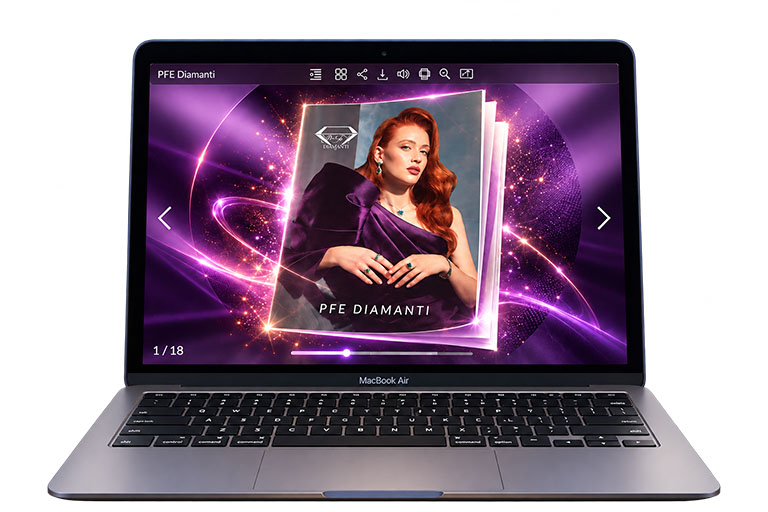
We think that first moment counts for more than most people give it credit for. That's why we're excited to introduce a new feature: Launch Effects - a stylish opening animation you can add before readers dive into your flipbook. Instead of simply appearing on screen, your publication now makes an entrance, a bit like a curtain rising before a show starts.
It sounds simple, and it is. But that opening beat is often what tells a reader "this is worth my time" or "this is just another PDF". Launch Effects push things firmly toward the first option.
So what exactly are Launch Effects?
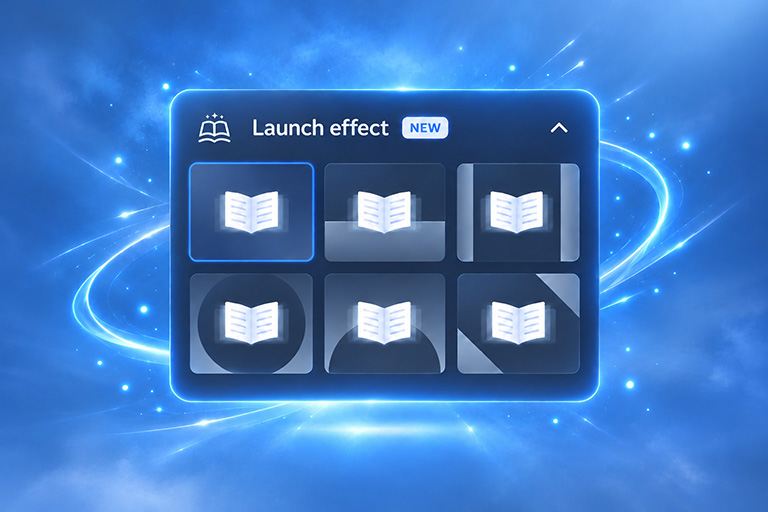
They're animated openings you can pick for your flipbook. Instead of jumping straight to page one, your publication appears with a nice visual transition first.
In addition, these small things make a difference that you may not imagine - they have a real impact on the style of your publication. It's also worth pointing out that good animations create a stronger first impression, make your flipbook look more professional, and give it a modern, interactive feel. They also help strengthen your brand and grab readers' attention from the very first second.
Even though they might seem like a minor detail, these effects quietly influence how people see your work before they've read a single word.
Six ways to open your flipbook
We've added six different touches for your publication, each setting a different mood. Rather than one-size-fits-all, you can pick whichever one suits your content's purpose best.
1. Classic book
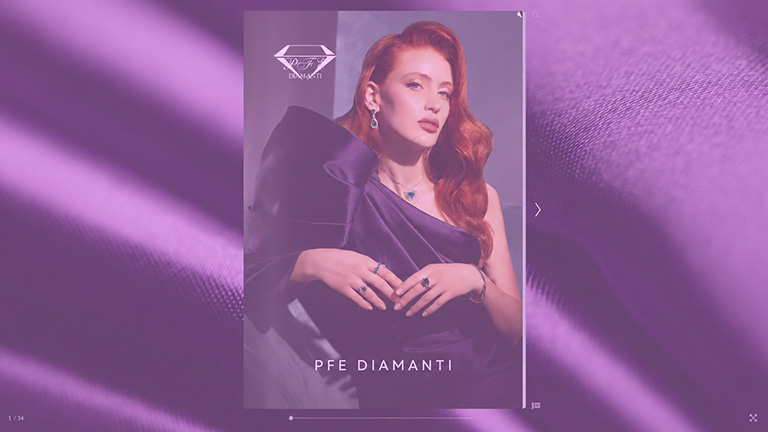
The first launch effect opens like a real book, creating familiar and intuitive experience for readers. It suits perfectly for magazines, e-books, annual reports, brochures and other materials that benefit from a classic and professional appearance.
Click the image below to see this effect in action
2. Curtain
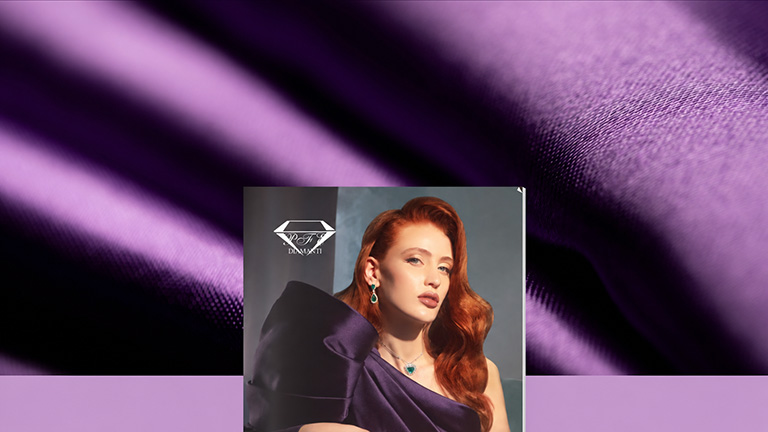
The second option is inspired by stage curtains, opening to reveal your presentation. It works particularly well for promos, product launches and events.
See how this effect works by clicking the image below
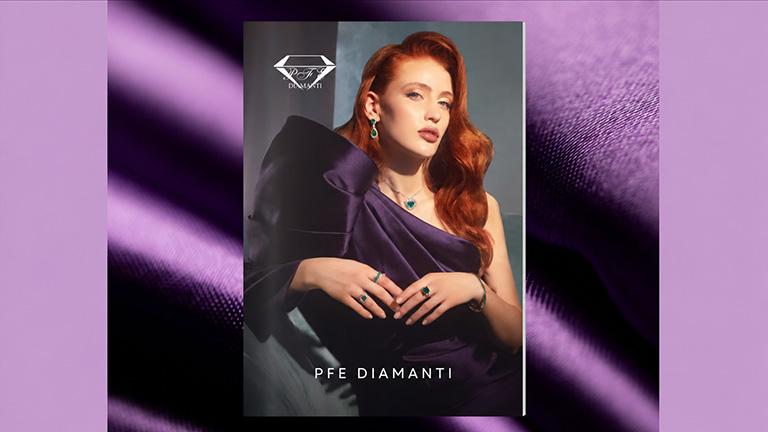
3. Slide-in doors
The third animation resembles a pair of sliding doors opening, making it ideal for marketing materials, corporate documents as well as business presentations.
Click the image below to preview this effect
4. Iris Reveal
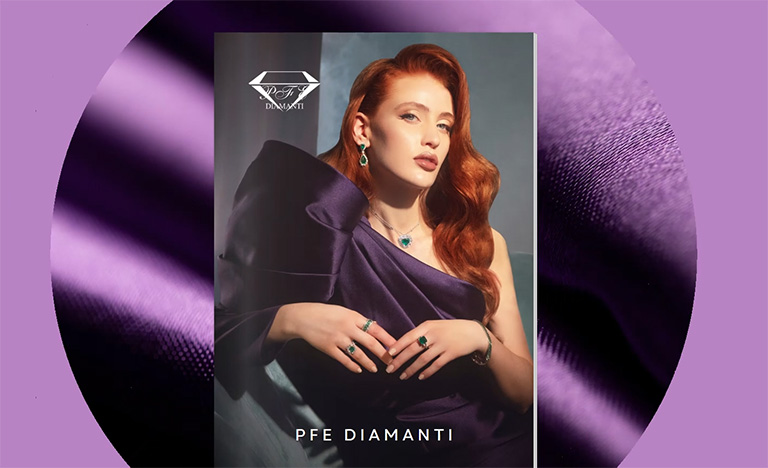
The fourth effect mimics a camera lens where your flipbook appears through a growing circle. It's a great choice for photography, design work and portfolios, as shown below.
Want to see this effect in action? Click the image below
5. Bottom Iris Reveal
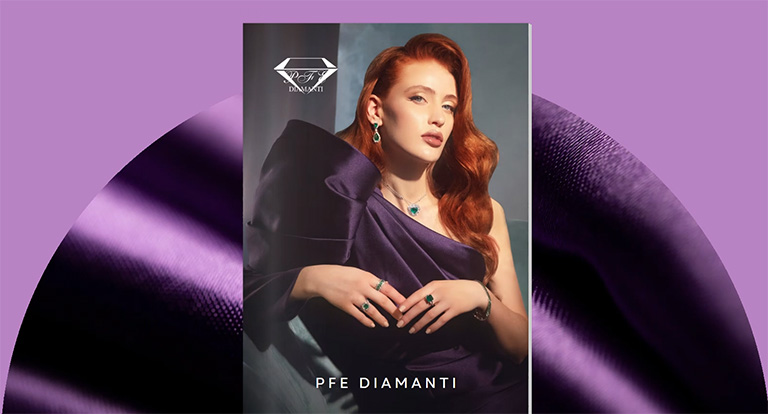
The fifth builds on the same concept as the previous one, but instead of opening from the center, the circle expands upward from the bottom of the screen. It creates a stronger sense of progression, making it a good fit for storytelling and other creative projects.
Discover how this effect looks by clicking the image below
6. Double Diagonal
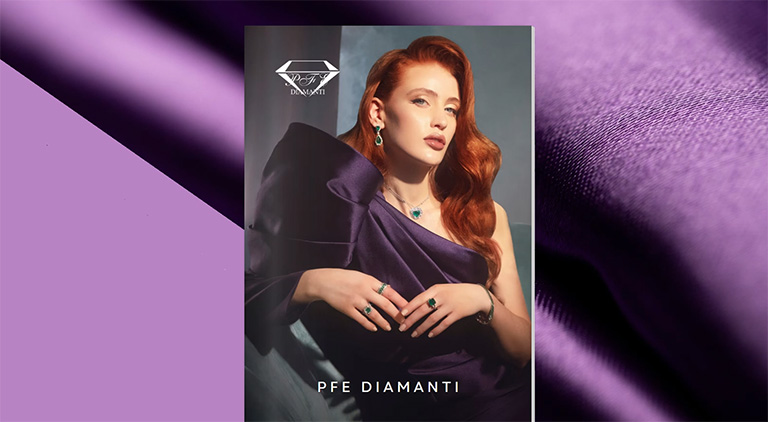
The sixth is a diagonal wipe sweeping across the screen, giving it a modern look that matches tech brands, contemporary marketing materials, and other innovative content.
Click the image below to watch this effect in action
Why bother with Launch Effects?
Most flipbooks online look pretty similar these days. Same layout, same load, nothing that sticks in your memory. Launch Effects is one of the easiest ways to break that pattern without doing any extra design work.
They are especially effective when you are:
- sharing your content with clients;
- presenting marketing materials;
- showing products;
- publishing interactive magazines;
- creating branded content.
Discover how easy it is to add Launch Effects in Publuu!
Summary on Publuu's Launch Effects
How your publication opens makes a difference, and Publuu's Launch Effects let you shape how it looks. Choose the warm familiarity of a turning book, the sense of occasion of parting curtains, the polished feel of sliding doors, the spotlight of a circle expanding like a lens, or the sharp, contemporary sweep of a diagonal wipe. Each one sets a tone before a single page is read, and each works perfectly on phones, tablets, and desktops. Pair them with embedded videos and image galleries, and even a plain PDF becomes a memorable, interactive experience.
Ready to make your own? Sign up for Publuu free of charge, select the opening that fits your content, and publish something your audience will remember.
You may be also interested in:
Page flip effect ideas
Interactive content - complete guide
How to increase customer engagement with interactive publications
