Invitation Maker – the Best Software to Create a Stunning Invitation
An invitation card is often the first glimpse others get of your intention to celebrate a significant event in your life. Creating the perfect invitation card is crucial to show your family and friends how much they mean to you and express your desire for their presence and blessings.
There might be times when you need invitations for formal events or festive birthday parties but hiring a professional graphic designer or agency isn't within your budget.
Luckily, there are simple tools that make creating invitations much easier. Numerous invitation maker apps on the web enable you to craft personalized invitations for birthdays, wedding anniversaries, meetings, or other events with just a few clicks.
Most invitation makers include free templates, so you don’t have to design anything from scratch. Pick a layout you like, then drop in your own wording and photos to make it feel like "you". Additionally, you can make changes, such as adjusting the font, text size, and image resizing. You also have the option to design your invitations from scratch.
Below, you’ll find a selection of invitation-making tools, including a digital flip book maker, along with their strengths, limitations, and tips on choosing the right free option for your needs.
How to Create the Perfect Invitation?
Your event invitation should address all essential details about the event. It should provide answers to what, why, who, when, and where – and a well-chosen invitation template can assist you in this.
What should your invitation cards include? This usually includes the event name and a short description, who’s hosting or being celebrated, the date and location, dress code (if any), and when guests should RSVP.
You may also want to add practical details, such as parking instructions, information for guests with children, meal options, or any dietary considerations - depending on the nature of the event.
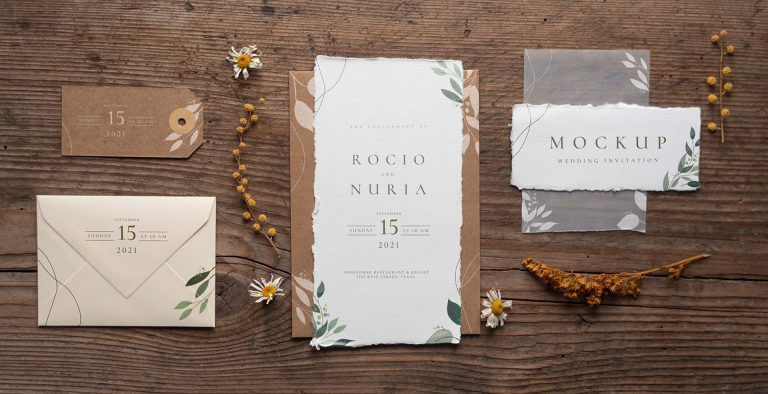
Let the tone of the event decide the tone of your invitation. For formal occasions, use formal language; for casual events, adopt a more relaxed tone.
Common phrases for formal invitations include "You are cordially invited to..." and "We request the pleasure of your company...". Casual events call for a more relaxed tone that feels friendly rather than formal. Simple phrases like "Join us next month..." or "We’d love to see you there..." work much better than formal wording.
Of course, exceptions exist. A business lunch might be informal, and an award ceremony could be lighthearted. Ensure your language aligns with the event theme and matches the invitation template to the occasion.
What is the Best Birthday Invitation Maker?
Publuu (recommended)
Publuu is a powerful tool for creating online publications. It lets you turn a regular PDF into an interactive, shareable online brochure. For a birthday, a wedding, or any other occasion worth celebrating, Publuu gives you an easy way to put everything in one place.
You can design the invite in Canva (or even Microsoft Publisher) using a template you like, then upload it to Publuu and turn it into an interactive brochure you can send to friends and family. And if you want it to stand out, you can add extras like a short video, background music, or a photo gallery.
Those interactive elements aren’t just decoration - links and videos can help you collect RSVPs, send people to a related event page, and share the invite easily on social media. You can also check if someone opened it, which is handy when you’re chasing confirmations.
Canva
Canva is a popular solution for designers, small businesses, and individuals, offering countless creative ideas for crafting invitations for special moments. Creating the perfect wedding invitation requires personalization and creativity. With this free graphic design tool, you can design the ideal wedding invitation.
Even if you’ve never designed anything before, the platform makes it easy to put together a wedding invitation that looks polished and well thought out. You can start with one of the ready-made wedding templates and customize it with your own photos and text, or browse it’s huge library of layouts and design elements.
VistaCreate
VistaCreate is an excellent tool for designing invitation templates for personal and business use. It comes with loads of templates and an editor that’s easy to figure out, so you can tweak a design in minutes and end up with an invitation that actually feels personal.
Similar to Canva, this tool offers user-friendly features. The drag-and-drop editor makes it simple to move things around, resize elements, and adjust your design for whatever format you need.
With over 30,000 templates, you can easily customize them. You can also create your designs, upload your images and fonts, and use this solution on both computers and smartphones.
SmileBox
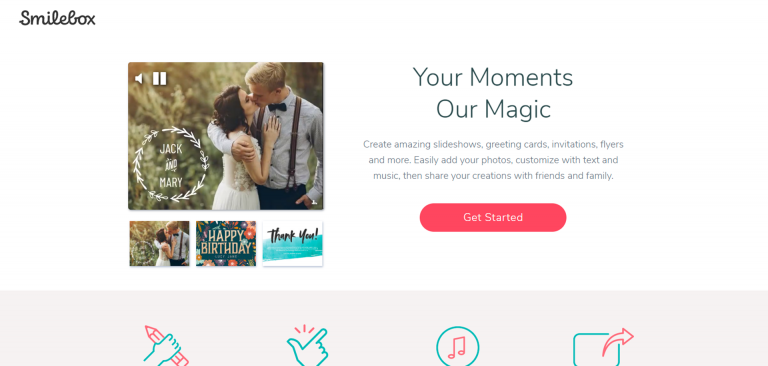
SmileBox is another popular option for creating invitations online, especially if you like working with visual and animated formats. This invitation maker lets you create invitations, albums, and slideshows to share. Additionally, it works with video messages for social media sharing.
This free video editor boasts a vast library of templates, ranging from informal to lavish. Its built-in RSVP feature helps you keep track of responses and send gentle reminders before the event.
Free Invitation Maker Software - Examples
To create beautiful invitations and design graphics, you don't need commercial tools – excellent free invitation design software is available offline.
InDesign is a strong option if you want full creative control, allowing you to design invitations from scratch using custom layouts, shapes, and visual effects.
You can also use software like LibreOffice or OpenOffice to create simple graphics – LibreOffice helps you manage fonts or cut your card to standard invitation size. Using graphic editors like GIMP or Paint.net, you can customize designs for your invitations.
Invitation Card Maker Apps
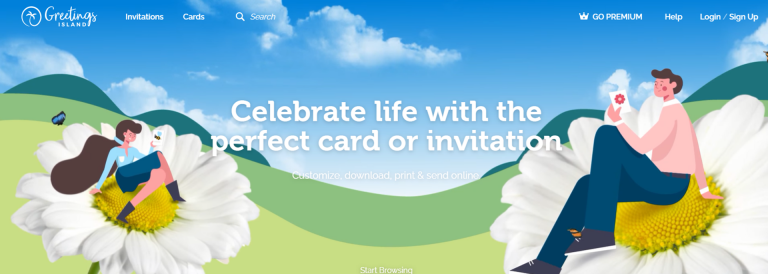
Greetings Island is another fantastic free invitation maker, enabling you to design beautiful invitations, print them, and send them online. Like other programs, it allows you to upload your photos and work with easy-to-use templates. This app is available on Google Play and the Apple App Store.
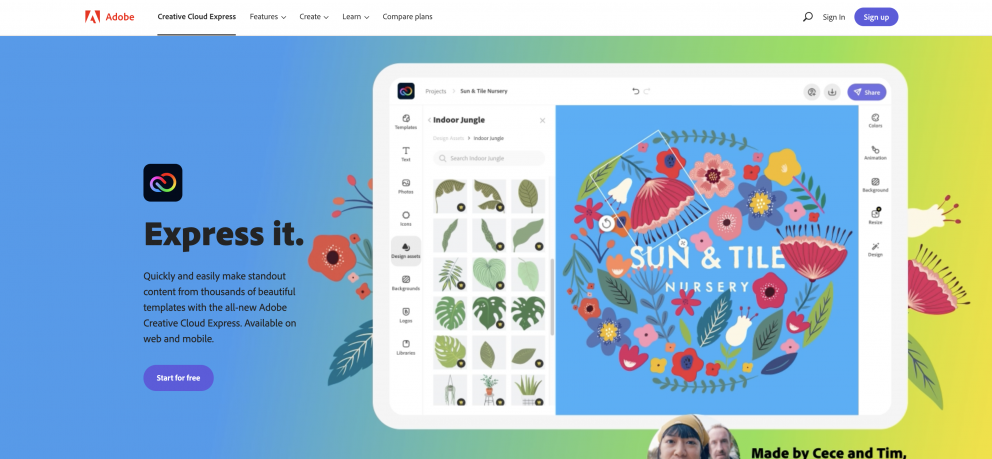
Adobe Express is a good choice for anyone who wants to design invitations online without dealing with complicated tools or advanced design software. This free invitation maker with online templates lets you design invitations, create custom ideas, add photos, and easily save the finished design as a PDF. Many users find this tool straightforward and less complex than other Adobe products like Photoshop.
Free Online Birthday Invitation Templates
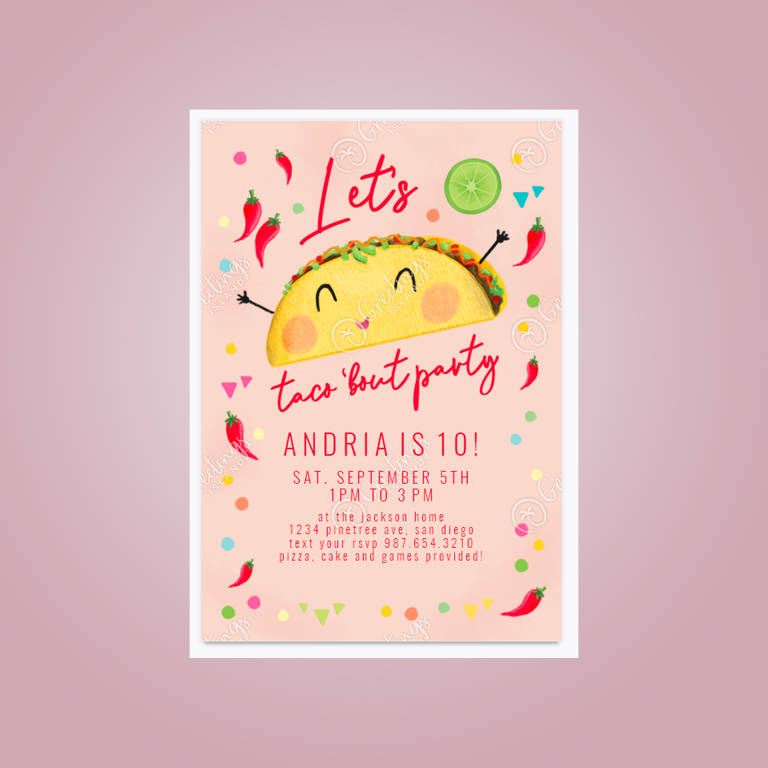
This fun, playful template works well for both kids’ parties and more relaxed adult celebrations.
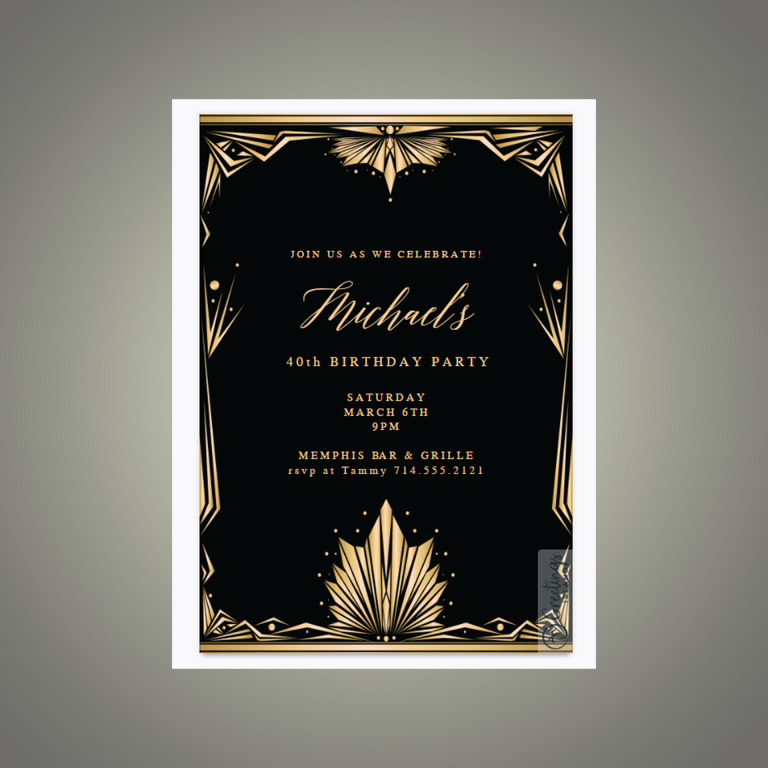
This clean, stylish template is a great fit for an adult birthday party and is free to use.
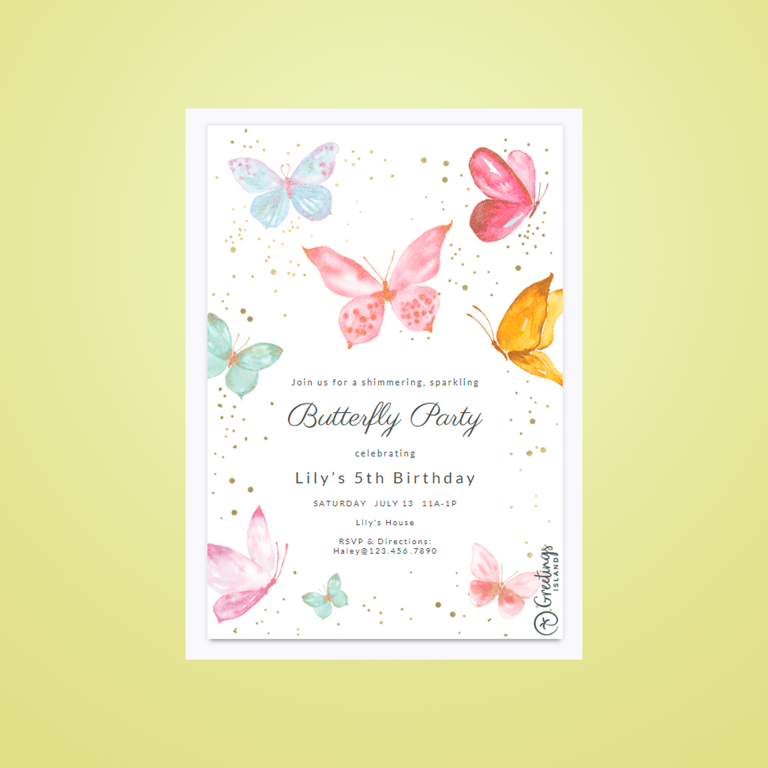
The sweet butterfly theme will captivate your guests' attention.
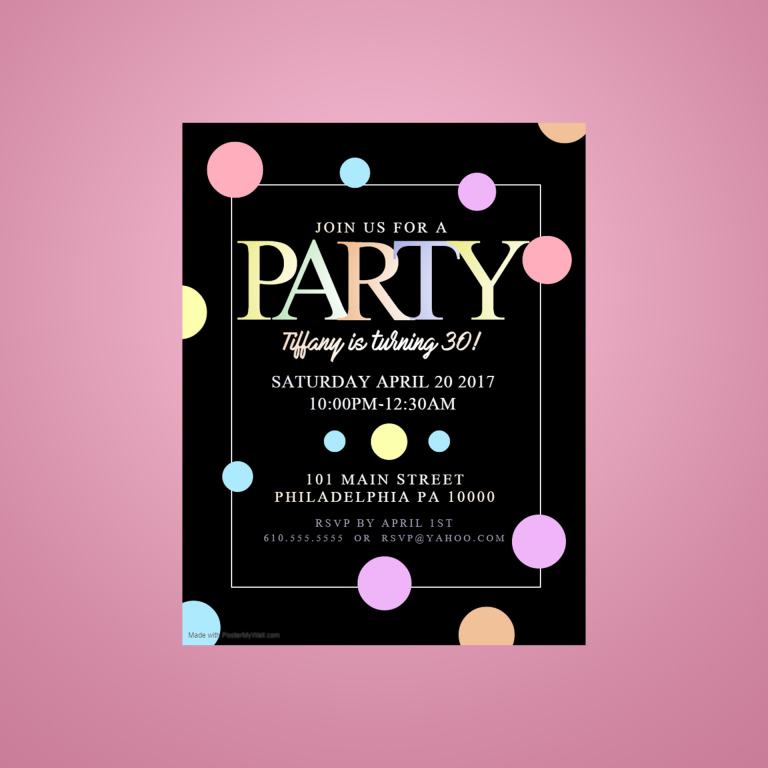
This party poster stands out due to its unique size.
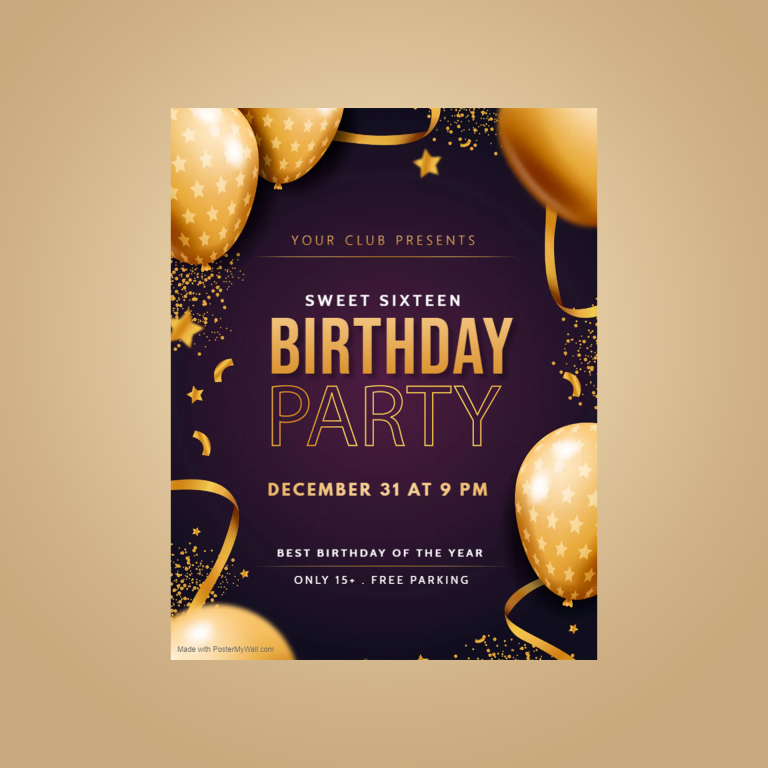
This flashy invitation ensures your party is unforgettable!
Wedding Invitations Gallery
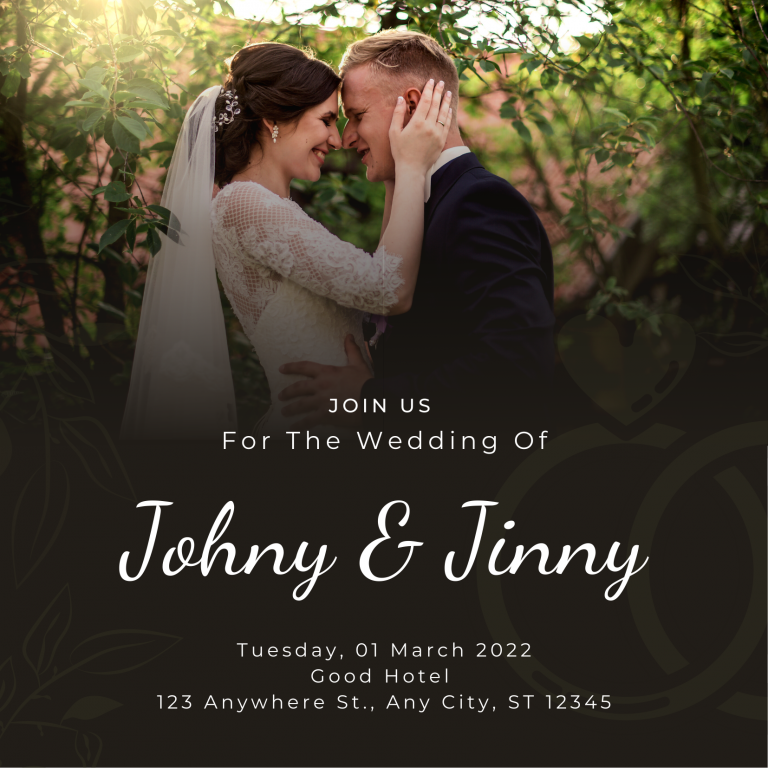
This elegant template is easy to customize and intuitive to share.
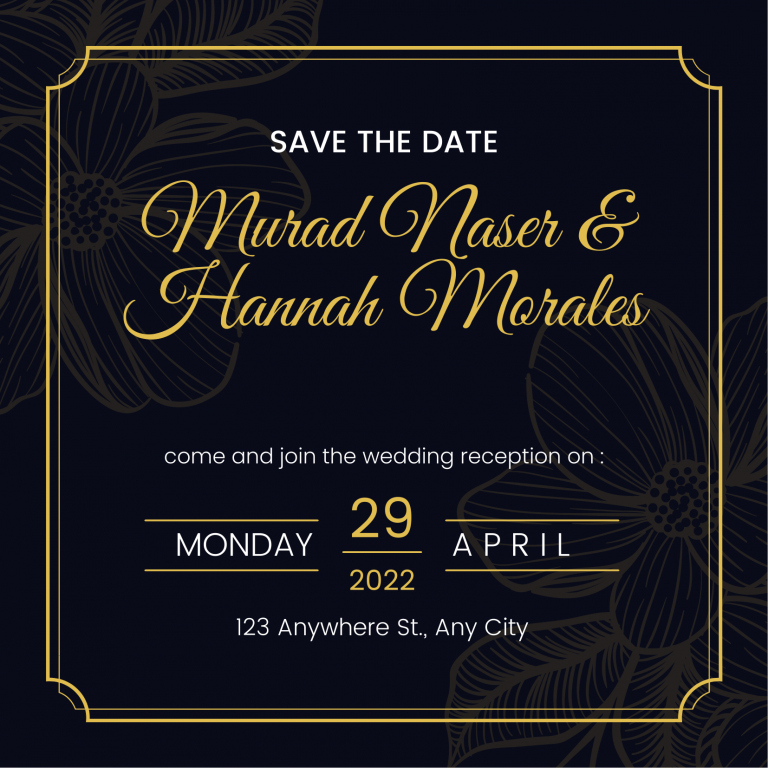
This square invitation is versatile for various occasions.
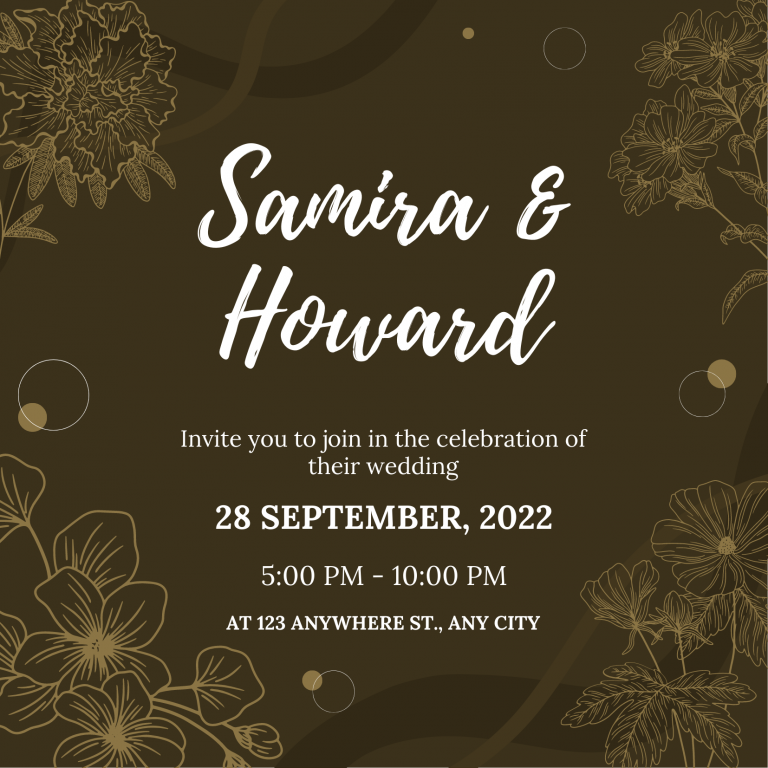
This neutral brown template is user-friendly and easy to personalize in Canva.
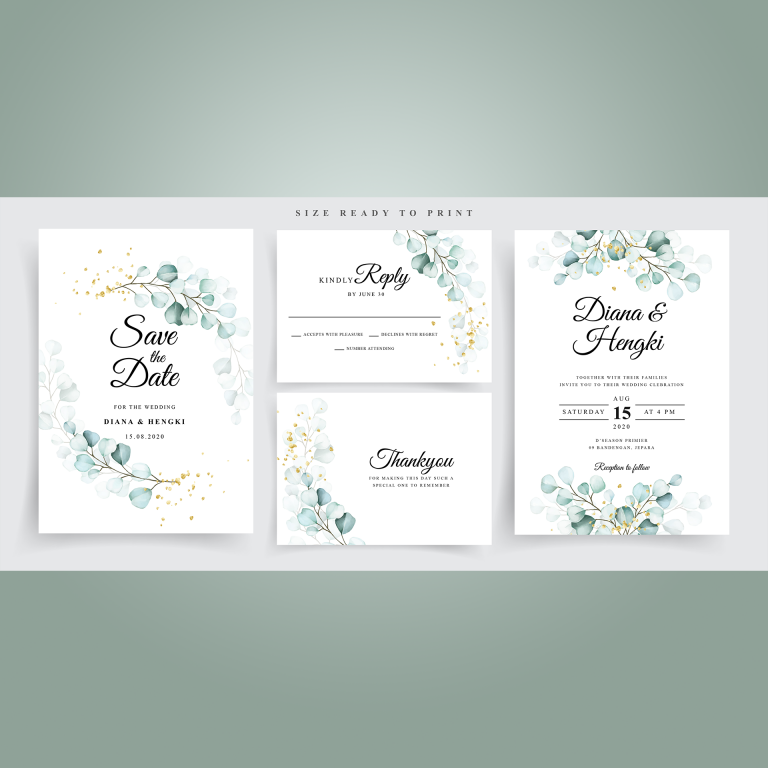
Floral motifs make these vector templates inviting and gentle.
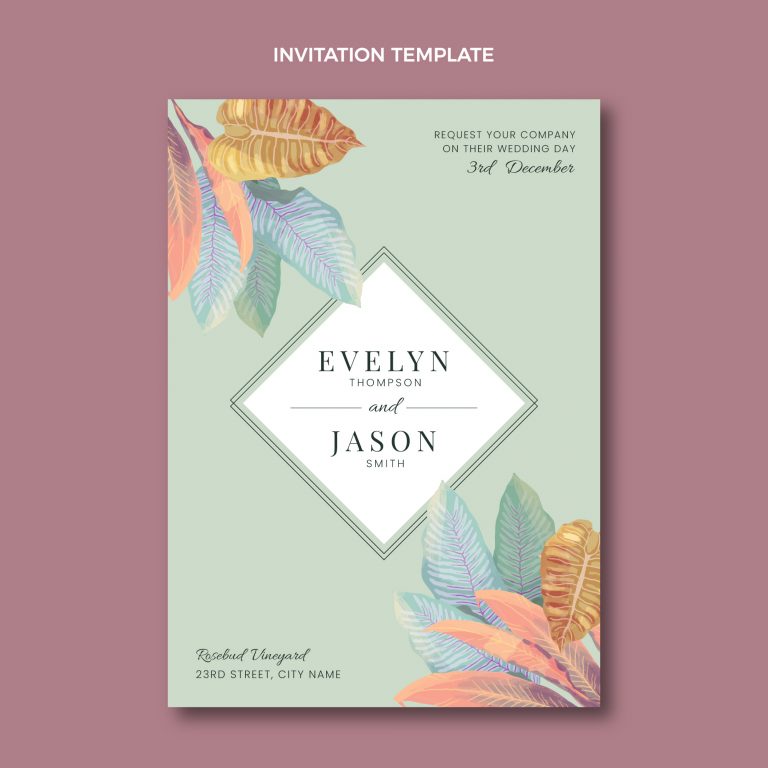
This elegant template can be used with vector art editing programs like Illustrator or Affinity Designer.
You may also be interested in:
10 Unique Wedding Brochure Templates
The Best Online Menu Maker Software for Your Restaurant
Top 8 Holiday Card Maker Software