Wedding photo album – a modern way to revisit your memories
There's something seriously magical about a wedding album - it lets everyone take a trip down memory lane to those happy moments. Photos of the couple, the family, the ceremony... traditional albums were practically made for this kind of stuff. But making an album in 2026 isn't just about sticking photos into a book anymore - especially since most of our pictures are just sitting on our phones anyway.
In this article, I'll explain how to put together a wedding album, the best tools to use, and how to share it with the whole family.
What is a wedding photo album?
It's simply a carefully selected collection of photos from your big day, either in a bound book or a digital format. It's a reflection of everything you experienced.
Back in the day, it meant putting printed photos into pockets or sticking them onto pages. But as photography went digital, the options changed. Today, you can still get professional photo books with thick, high-quality pages. Alternatively, you can go completely electronic with HTML5 flipbooks.
The example presented below captures emotions on that special day using large photos, blank pages, and the minimum amount of text. A neutral background makes it seem pleasant and warm.
Publuu's wedding photo album example
What makes a wedding album special?
For a lot of us, a wedding is the biggest milestone in life. We may look back at graduation photos or snapshots from our 18th birthday, but wedding photos are the ones that are most meaningful.
With physical albums, it's not just about a pretty cover - how it feels in your hands matters too. Digital flipbooks have their own advantages, like realistic page-turning effects and animated backgrounds.
You want these memories to last. A high-quality paper album can do the job, but saving a digital copy in the cloud ensures it's safe.
When do you reach for an album? Whenever the mood strikes. A printed book should look great on your shelf, and a digital album should be easy to pull up on a moment's notice, on the TV, on the projector, or even on your smartphone.
Finally, your album should be easy to customize. You can add graphics or text - maybe a sweet quote or some context for the photos. You can even create a timeline to show how the day went.
Printed vs digital wedding albums
When it comes down to it, preserving those wedding memories for future generations presents quite a dilemma. You have to decide: either a traditional paper album that you can actually hold in your hands, or a modern digital version?
I have good news: there are no wrong answers here. It depends on what matters most to you - your budget, your lifestyle, and how you want to experience and share your memories.
To help you decide and avoid unnecessary stress, let's break it down into its basic components.
| Feature | Printed albums | Digital albums |
| Physical experience | Yes, you can hold it and flip through pages, making it a physical memory | No, it's viewed on a screen, but still feels engaging |
| Power requirement | No power needed - always ready to view | Requires a device and internet access to view |
| Prestige / quality feel | Can feel premium and high-end, especially with thick, layflat pages | Can look stunning with modern designs, animations, and page-turning effects |
| Copies | Easy to print multiple copies for family and friends, but it can be expensive | Easy to share as a single link; no printing needed |
| Accessibility | Only available where the album is physically located | Always accessible from phones, tablets, or computers |
| Sharing | More limited (you have to hand it over or mail copies) | Simple to share with anyone instantly |
| Longevity | Very durable, but physical wear and storage still matter (printed photos can get damaged over time) | Very durable, especially with cloud backups |
| Cost | Often more expensive (printing + materials) | Typically more affordable (no printing or shipping costs) |
How to create a wedding photo album?
Creating a wedding album might feel a bit overwhelming at first, especially with so many photos to choose from. But once you break it down into a few simple steps, the whole process becomes much easier (and even fun).
Gather and sort your photos
Collect all your pictures and separate the keepers from the failed takes. Don't just throw everything in without thinking - printing costs money, so it's better to focus on quality. Just choose your absolute best shots. Mix close-ups and wide angles, moments of joy, and quiet scenes with guests. Build a clear story from start to finish so the album feels consistent.
Choose a tool that fits your needs
Decide where you want to design your album. Some tools, like Canva, are more beginner-friendly, while others offer more advanced options. Start a new project and choose a format, square or rectangular, depending on how you plan to use or display your album.
Choose a style that fits the mood
Select a template that matches the vibe. Modern and chic? Luxurious? Romantic? There are all sorts of templates out there. Pick your color scheme, clean fonts, and mind those little details so everything looks harmonious from the first page to the last.
Plan the flow of your album
Map out the sequence: begin with the cover, then getting-ready moments (like mirror reflections), then the church ceremony, posed portraits, and finish with the reception, dancing and all sorts of fun.
Arrange photos thoughtfully
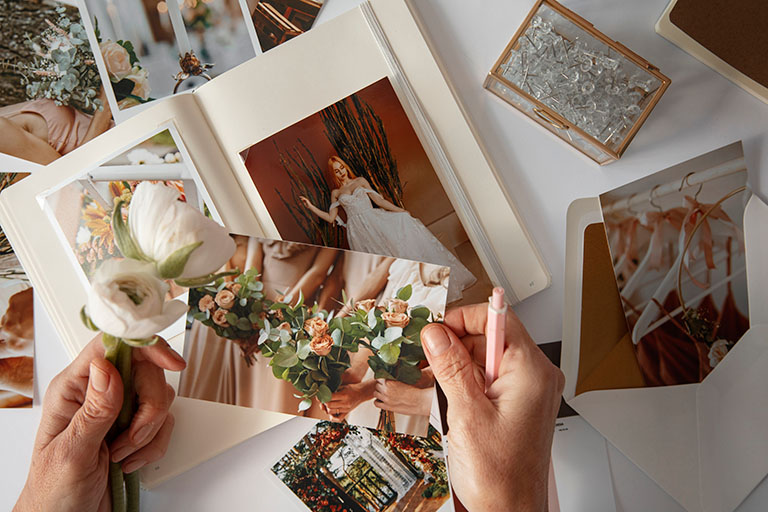
Place your photos carefully and vary the layouts. For example, use one large image on a full page, followed by a few smaller ones on the next. This keeps the album visually engaging.
Add text when needed
Include brief captions where helpful: identify people, note the date, or mention the location. This is pretty useful for readers if you want to share it later. Keep text minimal - this album shines through its photos, not texts. A thoughtful quote on the opening spread, the date on the cover, and that's enough.
Double-check for mistakes
Review every page carefully. Ensure no faces or key details are accidentally cropped, watch for typos in captions, and confirm everything is aligned properly without distortion.
Save or print your album
Once everything is ready, turn your album into a PDF to share online, or order a printed copy to have a physical album you can keep and revisit.
Tools to create your wedding photo album
Publuu (recommended)
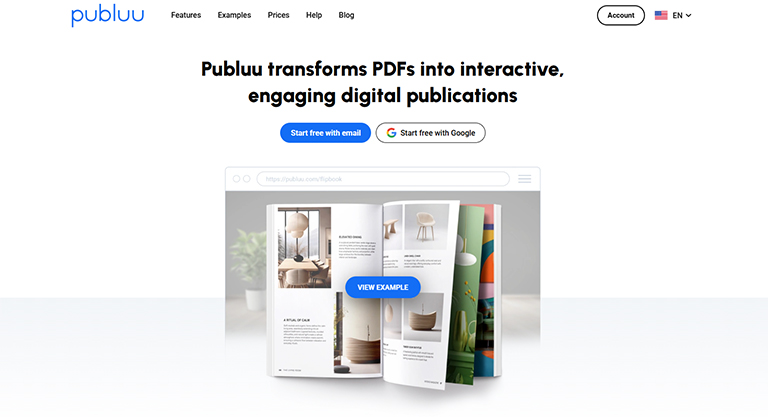
Publuu is a great option to give it that "real book feel". You upload your finished PDF, and it turns into an interactive flipbook with a realistic page flip experience. You can also add videos from moments like your first dance and sound effects to make it more personal. Family and friends can click and browse instead of scrolling through a long document. It's especially handy when you want to send one link to guests or embed the album on a wedding website.
Canva
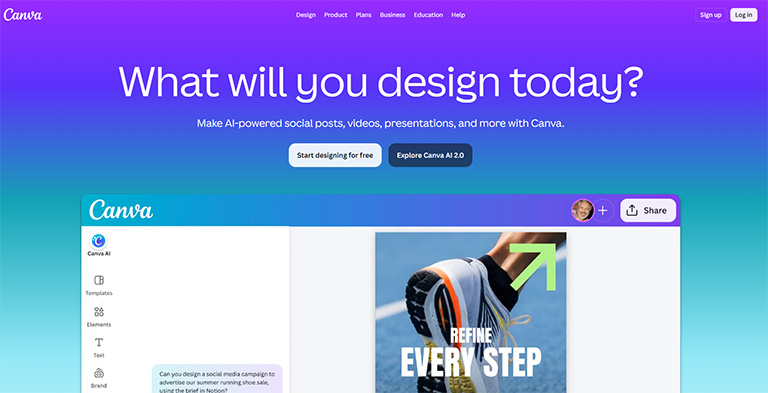
This is the easiest option for designing a wedding album from scratch. It's built on ready-made templates and is super beginner-friendly. You can start with a photo book layout, drop in your wedding photos, match the fonts and colors to your wedding vibe, and then export a PDF ready for printing - or sharing. It works great as a "design hub", even if you plan to print elsewhere - in many countries, Canva offers print-on-demand.
Mixbook
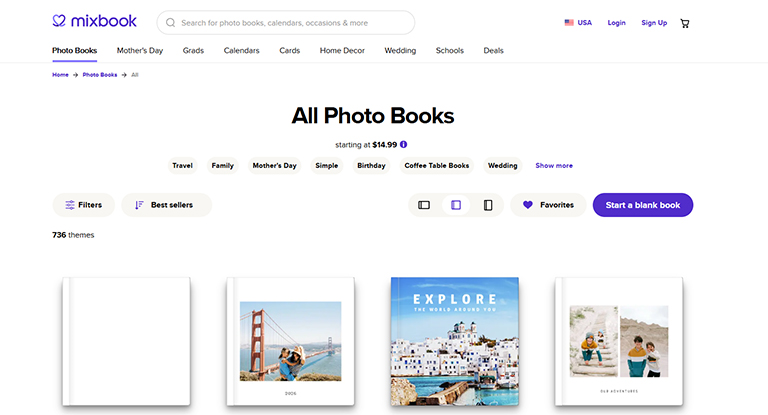
This tool is built specifically for photo books, so it's a great pick when you want a polished wedding album without needing to think like a graphic designer. Its editor focuses on practical tasks - dragging photos into layouts, moving elements around, changing page order - so you can quickly experiment (imagine building a "ceremony → photo shoot → reception" layout, then rearranging spreads until the story flows just right).
Blurb
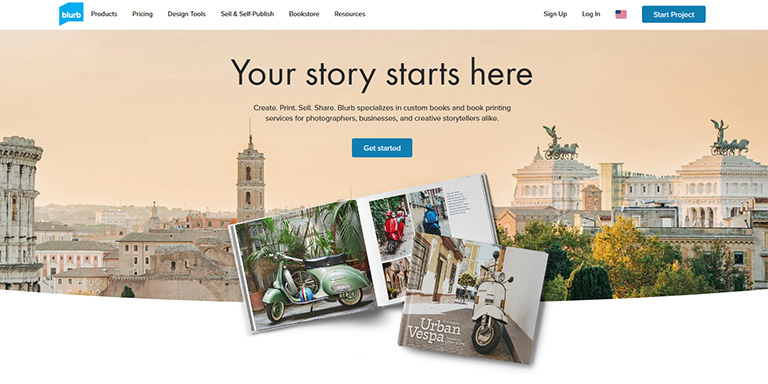
It might be a solid choice when you want a wedding album that looks truly "bookstore-quality" - especially if print quality and finish matter to you. You can design in the free BookWright software (which gives you more control than most browser-based tools), then order professionally printed photo books. Perfect for keepsake-style albums or copies for parents, where paper quality, binding, and build are just as important as the layout.
Affinity
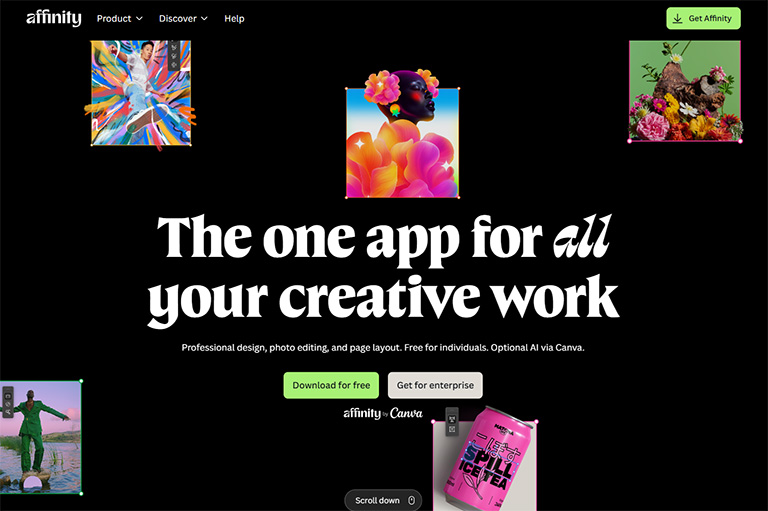
This one is for more advanced users - it's great when you want precise control over typography, grids, photo placement, and print-ready exports. It might seem overwhelming at first - but it's more powerful than PowerPoint and way easier to use than InDesign or Scribus.
Wedding album as a flipbook
You took a hundred photos yourself and then never looked at them again - sounds familiar, right?
If you want browsing your wedding photos to be more than just scrolling through files in a folder, there's a solution. A flipbook from Publuu is a way to turn a plain PDF into an interactive album that looks like a real book in your hands. You can customize the background to match your wedding vibe, and even add subtle sound effects - all so that every time you open the album, you feel that special atmosphere.
Your loved ones don't need to download or install anything. Don't want grandma or uncle to deal with tech issues? Just send them a link - via email, Messenger, or WhatsApp. The album opens smoothly on any device: from a phone, to a tablet, all the way to the living room TV.
A wedding album is also more than just static photos. With Publuu, you can really bring your story to life. You can easily add interactive elements such as links to YouTube videos (like your first dance) or upload MP3 files with the music that accompanied you during those most important moments.
Instead of just looking at photos, let your loved ones relive that day - with sound and motion. It's a simple way to create a modern album that'll stay with you for years.
Final thoughts about the wedding photo album
Whether you choose a printed album you can hold in your hands or a digital version you can easily share, it all comes down to one thing - keeping those memories alive. A well-made album is a guarantee that this day will stay in your memory and you'll always be able to relive those emotions. It's not just a random pile of photos thrown into a single folder. It's a story you can revisit and share with others.
Wedding photo album FAQ
How many photos should a wedding album include?
Well, a standard album can hold anywhere from 60 to 120 photos, depending on the size and number of pages. But remember one important thing - quality over quantity. Choose the best moments so it reads like a proper story, not just the same faces on every page.
What is the best way to organize wedding photos?
Organize it properly, in chronological order, just as it happened: first the preparations, then the church or the registry office, stiff posing for the camera, a feast in the reception hall, and the party. Mix those close-up shots with the distant ones, add the date, place, or who's who where needed. Then, years later, there won't be any mystery: "Who's that bald uncle with the mustache?".
What is better: a wedding album or an online gallery?
A printed album feels more personal. You can hold it in your hands, keep it on a shelf, and come back to it whenever you want. On the other hand, that whole online gallery is all about convenience. You can send it instantly and view it on any device. Many couples choose both. A printed album for themselves and a digital version to share with family.
Can a wedding photo album include videos?
Of course, technology has come a long way. With today's digital solutions (in Publuu, for example), you can easily include both a video and music. You can add a link to the video of your first dance, or throw in some atmospheric background music. Your family will be clicking away on their phones and reliving it all over again with sound and visuals, just as if they were back at the party.
You might be also interested in:
How to make photo album look great?
How to create an interactive photo album online?