What is a resume? Definition, purpose, and key elements
Everyone has written a resume at some point, but not everyone has one that actually gets them the job. A great resume doesn’t just list your skills – it tells your story, highlights your results, and makes you the obvious choice.
In this guide, you'll learn how to turn your resume from a simple list into an interview-ready document. To give it a more modern and professional edge, you can even present it as a digital flipbook. We’ll walk you through the key sections, effective writing and design tips, and the common mistakes that often hold candidates back.
What is a resume?
A resume is a brief, targeted document that highlights your most relevant qualifications, work experience, skills, and achievements for a specific job. It includes full-time roles, internships, freelance work, and selected activities such as volunteering or key projects - anything that demonstrates your value and fit for the role.
Most resumes are one page long and structured with clear headings and bullet points to make them easy to scan. Employers typically review them through job portals, company websites, LinkedIn, or during the hiring process itself.
What is the purpose of a resume?
A resume has several important roles in the whole recruitment and application process:
✔️ First impression: It’s often the first thing an employer sees, so it should immediately catch attention.
✔️ Marketing document: It highlights your strongest skills, experience, and achievements for a specific role.
✔️ Qualifications: It quickly shows how your background matches the job requirements.
✔️ Demonstration of skills: It demonstrates clear communication, attention to detail, and your ability to organize information.
✔️ Interview introduction: It provides helpful talking points that make it easier to start and guide the conversation.
✔️ Personal touch: It can include interests or passions that make you a more well-rounded and relatable candidate.
Publuu’s online flipbook example
View more flipbook examples
MAKE YOUR OWN
Main components of a resume
Contact information
Ensure that all information is accurate and up-to-date:
- First and last name: Place it at the very top and make it stand out.
- Phone number: Current number where you can be reached.
- Email address: Use a professional address.
- Address (optional): Not required; recruiters will contact you directly if needed.
- Online links: Portfolio, website, LinkedIn, or other relevant profiles.
Professional summary / objective / area of expertise
Choose one of these:
Format | Description | When to use? |
Professional summary | 1–3 sentences highlighting key skills and experience | Most common - quickly present your strengths (e.g., "experienced programmer") |
Career objective | 1–3 sentences about who you are and what you aim for | Less common - shows motivation (e.g., "seeking a Regional Sales Manager role") |
Area of expertise | A list of your main specializations and strongest areas | Best for senior or specialized roles - emphasizes specific expertise |
Education
List your formal education in reverse chronological order (most recent first):
Degree and major – completed or in progress; add expected graduation date if applicable.
Institution and location – full name + city / country.
Additional concentrations – specializations or tracks, if relevant.
GPA (optional) – mainly important for academic or research roles.
High school – include only if you’re a student or recent graduate.
Professional experience / Relevant experience
Organize your experience in reverse chronological order, adjusting the detail as needed.
For each job, internship, or project, include:
organization / project / company;
location (city, region / state);
dates;
position title;
responsibilities and achievements.
Feel free to list all paid positions, including brief or informal ones, if they reflect your sense of responsibility and reliability.
Skills
The skills section highlights the competencies that are most relevant to the position. Include both technical and interpersonal skills.
Type of skill | Examples | Description |
Hard (technical) | Software, coding languages, technical tools, foreign languages | Measurable, specific skills; include proficiency level if relevant |
Soft (interpersonal) | Leadership, communication, teamwork, time management, problem-solving, adaptability | Personal qualities useful in workplace interactions |
How to create this section?
- Match the offer: You must reference the job description. Make sure you include the skills that the employer or committee is actively looking for in the ad.
- Highlight key skills: In the case of very specific requirements (e.g., knowledge of Python, fluent Spanish), make sure these skills are clearly and explicitly listed.
Additional sections (optional)
These sections add something extra to your profile, especially if you don't have extensive professional experience.
Extracurricular activities
Include activities that show initiative, teamwork, or leadership, such as sports, clubs, or student organizations:
list the activities you participated in.
add dates and briefly describe your role (e.g., Team Captain, President).
Volunteer experience
Highlight community involvement or unpaid work:
list the organization and the duration.
describe your key responsibilities (e.g., helping at a shelter, meal delivery).
💡 Tip: If your volunteer work closely relates to your target job, you can list it under professional experience instead.
Other important elements
These elements are also an added asset and should be used if they are relevant to the position.
Section | What to include? | For whom? |
Foreign languages | List all non-native languages + proficiency level (e.g., B2, Fluent) | For roles where multilingual skills matter |
Certificates and licenses | Relevant certificates, completion date, issuing organization | For regulated fields (IT, finance, medicine); sometimes licenses are a plus |
Honors and awards | Recent academic or professional awards | For roles valuing achievements; skip childhood awards |
Publications and presentations | Titles of publications, conference talks, or major projects | Key for academic and research positions |
Freelance projects | Only projects relevant to the job; can also go under Experience | For candidates with project-based work |
Training | Courses, workshops, professional programs completed | To show commitment to development |
Membership | Industry associations or professional organizations | For fields where professional affiliation matters |
Examples of resume
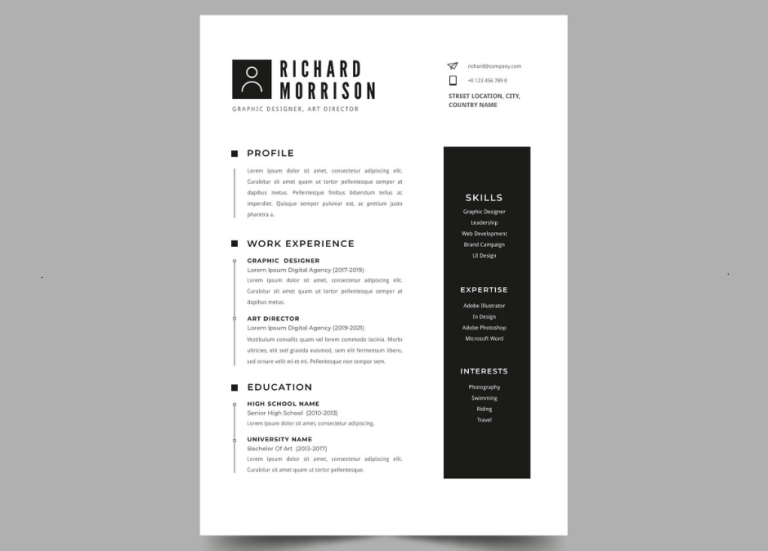
This clean black-and-white template makes great use of bold frames and borders.
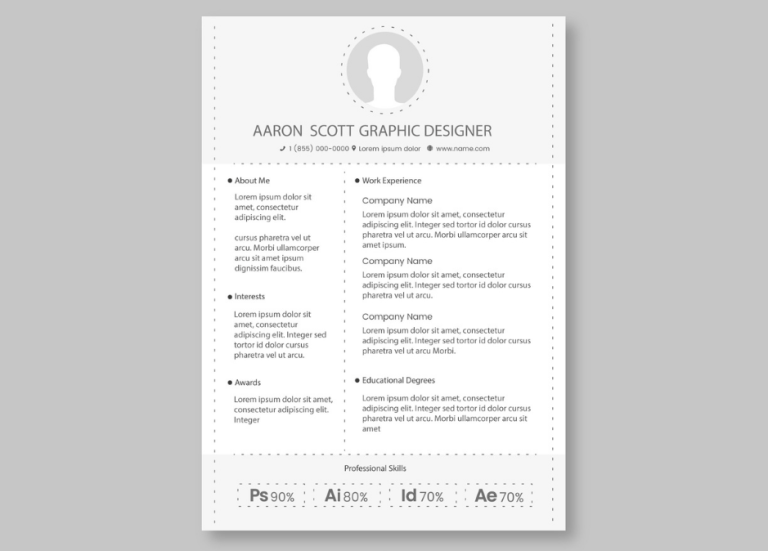
Love the newspaper aesthetic? This column-style resume is a solid choice for job hunting.
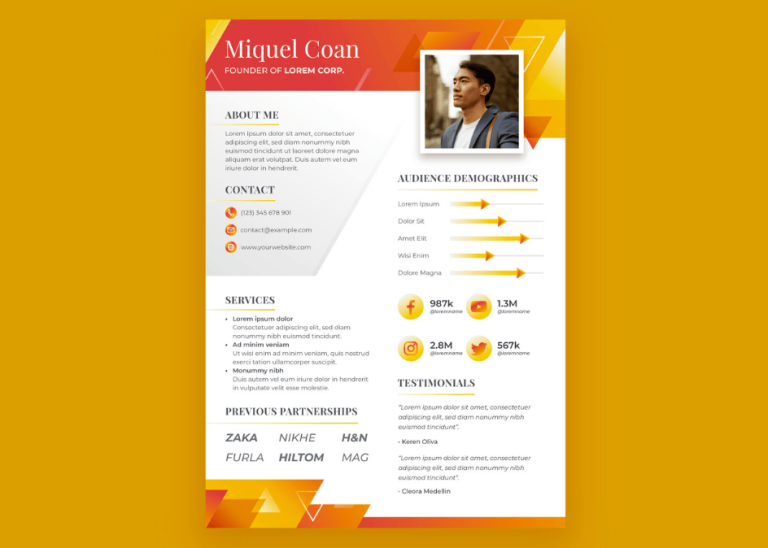
The warm, honey-toned gradient in this one is a real eye-catcher.
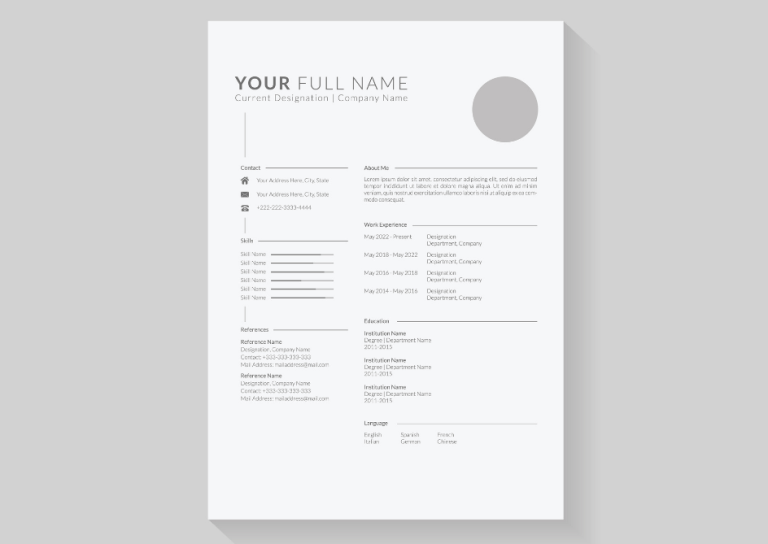
Light grey typography and subtle design elements make this one easy on the eyes.
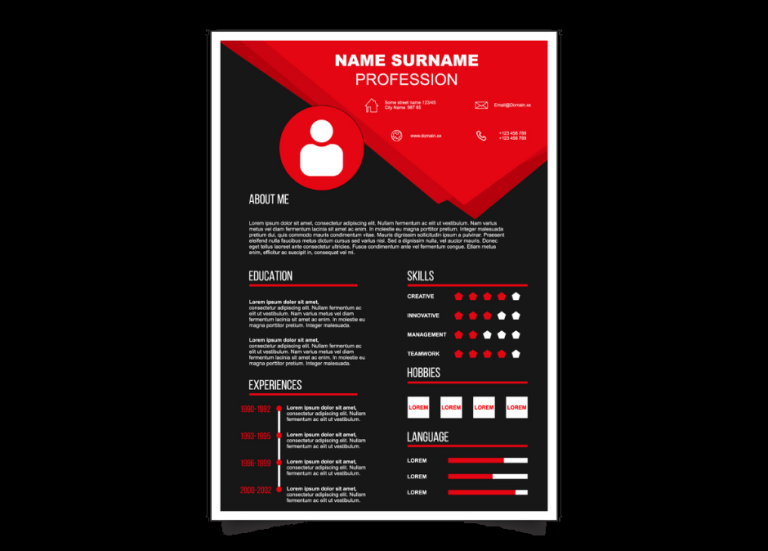
The bold red and black contrast gives this template a sharp, executive feel.
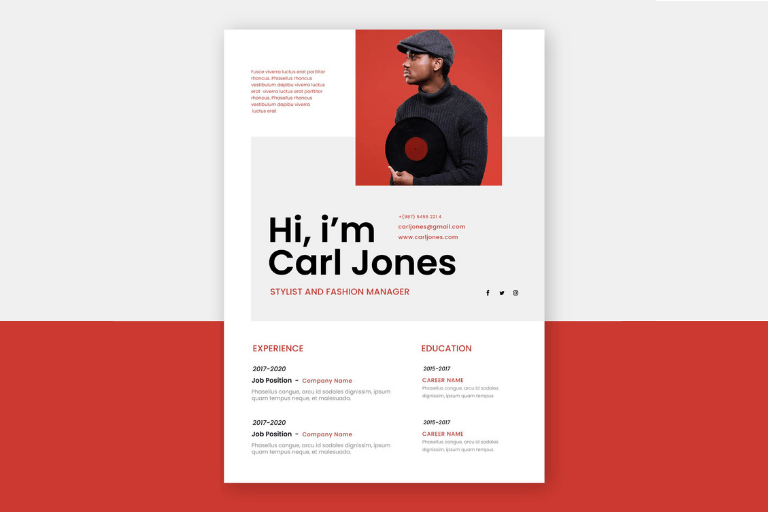
This one really puts your photo front and center.
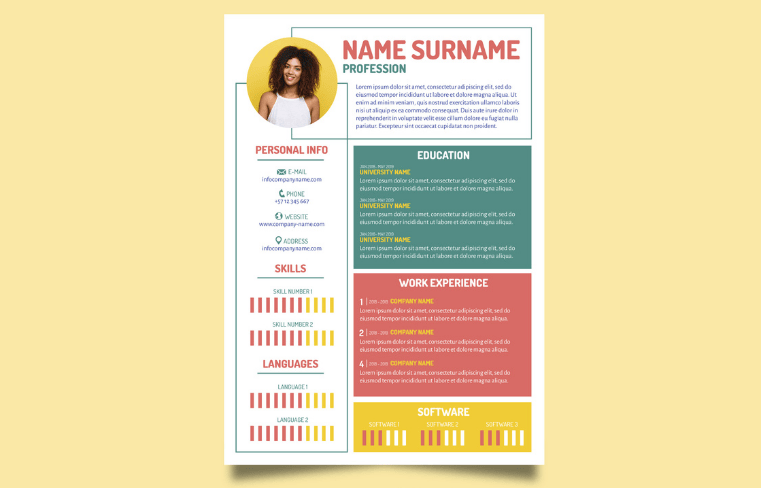
The colorful boxes give this template an upbeat vibe while keeping things professional.
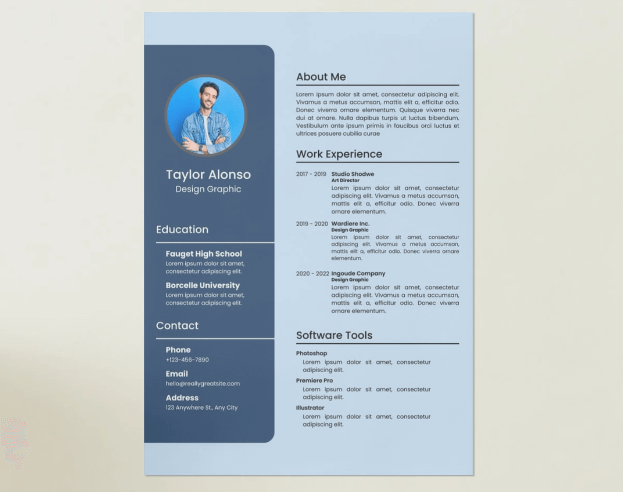
The blue tones in this resume will help you stand out from the crowd.
The beige and white color scheme gives off confident, polished vibes.
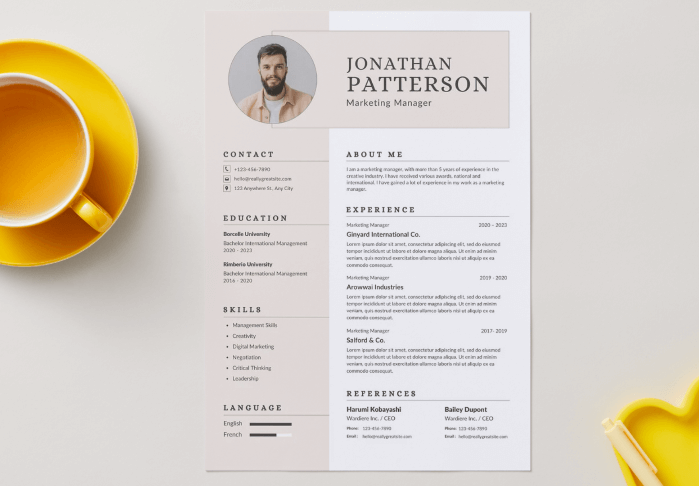
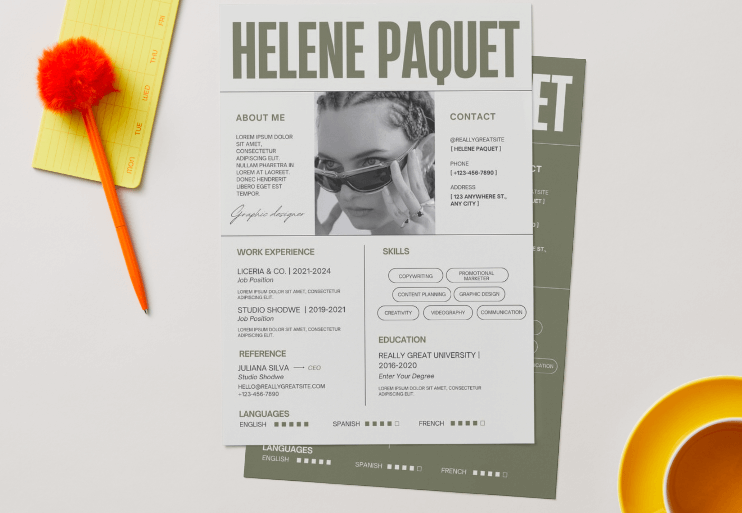
Sometimes your name says enough, and this design proves it.
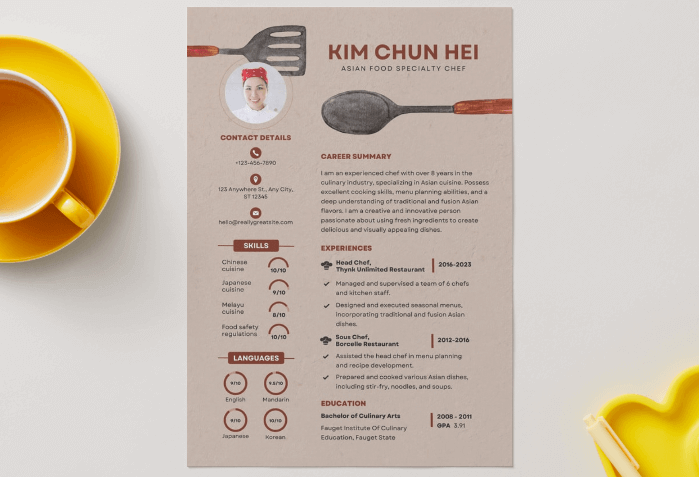
Perfect for culinary professionals, featuring kitchen utensils and food-inspired elements.
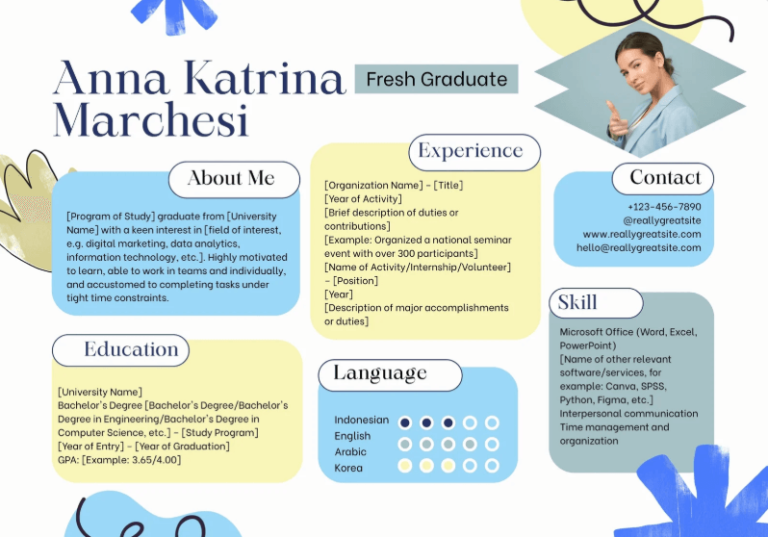
Who says resumes need to be vertical? This landscape layout with colorful boxes is definitely memorable.
Present your resume as a digital flipbook
If you want to give your resume a modern edge, you can turn it into an online flipbook using a tool like Publuu. This allows you to convert a standard PDF into an interactive format that’s easy to share through a single link. You can also track when your resume was opened, add interactive hotspots to showcase your projects, and ensure that the whole document displays perfectly on any device.
Publuu’s online portfolio example
How to choose the right resume format?
Early career (students, recent graduates)
Focus on practical skills, education, volunteer work, internships, and academic achievements. Use a general "Relevant Experience" section to include paid work, volunteering, and research.
Mid-career professionals
Highlight a consistent work history and career progression. Use the standard reverse-chronological format (most recent experience first).
Career changers
Reframe your past experience for a new field. Start with a summary / objective, emphasize transferable skills, and highlight experience most relevant to the new area.
💡 No matter which resume format you choose, presenting it as an online flipbook can give it a modern, interactive feel. Explore the best flipbook ideas to see how digital formats can make your resume more engaging.
Resume vs. CV - what’s the difference?
A resume and a Curriculum Vitae (CV) serve different purposes and vary in length, level of detail, and typical use. The comparison below highlights the key distinctions between the two formats.
Aspect | Resume | CV |
Definition | A brief, targeted summary of qualifications relevant to a specific job | A comprehensive, complete record of your entire academic and professional career |
Length | 1-2 pages maximum | Multiple pages (2-10+ pages), expands throughout your career |
Content | Focuses on relevant skills, experience, and achievements | Includes full academic and professional history |
Primary use | Business, industry, government, and most non-academic roles | Academia, research, medicine, and roles requiring a full academic record |
Goal | To get a specific job by showcasing relevant fit | To document your complete scholarly record |
When to use which document?
- Use a resume for: Jobs in business, industry, government, and internships (in the US / Canada), or when the posting requests a resume.
- Use a CV for: Academic, research, medical, or faculty roles, graduate program applications, fellowship / grant applications, or when the posting requests a CV (especially internationally).
Best practices for writing a resume
An effective CV combines specific content with a clear layout. Below are a few tips on how to prepare one.
Content
- Be specific: Use action verbs ("created", "designed", "supervised") and clearly describe what you did and the impact. Add numbers when possible.
- Write concisely: Aim for one sentence per bullet. Use up to 5 bullets for your current role and up to 3 for previous ones.
- Write reliably: Focus on facts and measurable results, not intentions or job titles.
- Describe yourself: If past roles don’t fully match your goal, emphasize relevant abilities such as customer service, MS Office, or fast learning.
Design
- Ensure consistent formatting: Use the same style for company names, job titles, and dates throughout.
- Opt for a readable layout: Clear headings, well-defined sections, and sufficient white space help recruiters scan quickly.
- Use graphical elements moderately: Lines, tables, subtle color accents. The design should support the content, not distract from it. Choose a readable sans-serif font (min. 11 pt), ensure good contrast, and use descriptive links - this also helps people using screen readers.
- Errors undermine trust: Spelling and grammar mistakes undermine trust. Keep your writing simple and concise, avoid jargon, and use bold text only to highlight key points.
Adaptation
- Study examples: Review other resumes from your industry to see the standards.
- Stick to 1-2 pages: Be concise and focus on your strongest, most relevant achievements.
- Return to your CV regularly: Ask for feedback and remove unnecessary information. Update and tailor it to the specific job advertisement.
Common resume mistakes
Avoid these common mistakes that can really damage your resume.
Content and strategy
- Sending a generic resume: Fails to tailor skills and keywords to the specific job application.
- Focusing on duties, not impact: Lists job responsibilities (e.g., "responsible for...") instead of quantifiable achievements (e.g., "increased sales by...").
- Including clutter: Adds irrelevant / outdated jobs, personal information (like photos or marital status), or the outdated phrase "references available upon request".
- Dishonesty: Exaggerating or falsifying experience or skills.
Formatting and readability
- Hard to skim: Uses a "wall of text", poor spacing, or hard-to-read fonts.
- Inconsistent design: Randomly mixes fonts, bullet styles, or date formats.
- Incorrect length: Typically too short (less than one full page) or too long (over two pages for most professionals).
- Overly creative: Uses complex graphics, colors, or layouts that confuse automated scanners (ATS).
Language and proofreading
- Typos and grammar errors: Demonstrates a lack of attention to detail.
- Weak language: Uses passive phrases or repetitive verbs ("Worked on...") instead of strong action verbs ("Managed", "Developed", "Launched"...).
- Incorrect verb tense: Uses the present tense for past jobs or vice versa.
Final details
- Unprofessional file name: Submitting a file named "Resume.pdf" instead of "FirstName_LastName_Resume.pdf".
- Incorrect contact info: Providing an unprofessional email address or an old phone number.
- Not following instructions: Failing to submit the correct file type (e.g., PDF vs. .docx) as requested in the application.
Final thoughts on resumes
Your resume is your best tool for finding a job. Its mission is to instantly prove to an employer why you are the only candidate for the job. A great resume doesn't just list your skills; it makes an unforgettable first impression by showcasing your most powerful achievements.
You now have the complete playbook to build a document that gets results and avoids the common mistakes. It's time to put these tips into action.
You may be also interested in:
A 2026 guide to engaging educational content
How to sell an online course? Quick guide