Best Canva alternatives for design and digital creation in 2026
If you've ever had to throw together a snappy social media graphic or make a cool cover for your monthly report, you probably didn't install and run bulky Photoshop. Chances are, you used Canva – and who can blame you? It's one of the best online design tools for non-designers. But it isn't the only one.
Sure, Canva is powerful, but it has its limitations: limited collaboration and few animation features. You might miss out on better editing options, like a professional flipbook maker, by sticking to the same templates and tools. There are plenty of great Canva alternatives out there, and this article will help you find the best graphic design solution for your needs.
Publuu’s online flipbook example
What is Canva?
Canva is a powerful browser-based design tool that has gained immense popularity – and for good reason. It's a very intuitive platform that makes graphic design accessible to everyone, regardless of their design experience or technical skills.
Canva offers hundreds of thousands of templates and countless paid and free resources, images, and other graphic elements – all accessible through a user-friendly drag-and-drop editor that works right in your browser. Recently, Canva has been adding more and more AI features, from background removal to an image generator.
Canva's model relies on accessibility: the basic version is available as a browser app, but there are mobile solutions as well. It offers a very versatile free plan, an affordable individual plan (with discounts for schools), and a comprehensive team plan with collaboration features for businesses.
Despite all these advantages, Canva isn't the only design app worth considering – let's check out some great alternatives!
Top Canva alternatives
- Publuu – Converts designs into interactive flipbooks.
- Visme – Advanced presentations, infographics, and data visualization tools.
- Adobe Express – User-friendly design with Adobe integration and AI features.
- Easil – Focuses on branding consistency and team collaboration.
- Snappa – Quick social media and blog graphics with pre-sized templates.
- Stencil – Streamlined for rapid graphic creation with stock assets.
- Desygner – Easy design with affordable team plans and asset management.
- Pixlr – Versatile tools for basic to intermediate photo editing and design.
- Photopea – Free, powerful photo editor similar to Photoshop.
- Colorcinch – Simple online photo editor for enhancements and basic design.
- Venngage – Tools for creating infographics and data visualizations.
What makes the best Canva alternative?
Here’s what we looked for in a quality Canva alternative:
- Powerful and flexible design capabilities – First and foremost, any alternative had to be a strong graphic design app in its own right. It needed to handle everything from social media posts to posters with ease – just like Canva does.
- Supports professional, repeatable designs – Sure, it's cool to create one-off projects, but for businesses and influencers, consistency is key. The best tools let you save templates and patterns so your branding stays on point every time.
- A compelling reason to switch – An app couldn't simply be a copy of Canva. To make our list, the alternative had to outdo Canva in at least one significant area or bring something unique to the table.
- A modern and intuitive user experience – Let’s be honest – no one has time for clunky, frustrating design apps. The best alternatives offer a smooth, user-friendly experience that keeps you in the creative flow.
- Good value for money – One of Canva’s biggest strengths is its generous free plan and affordable paid options. To be considered a true alternative, an app had to be both accessible and powerful for its price.
Canva alternatives breakdown
1. Publuu (recommended)
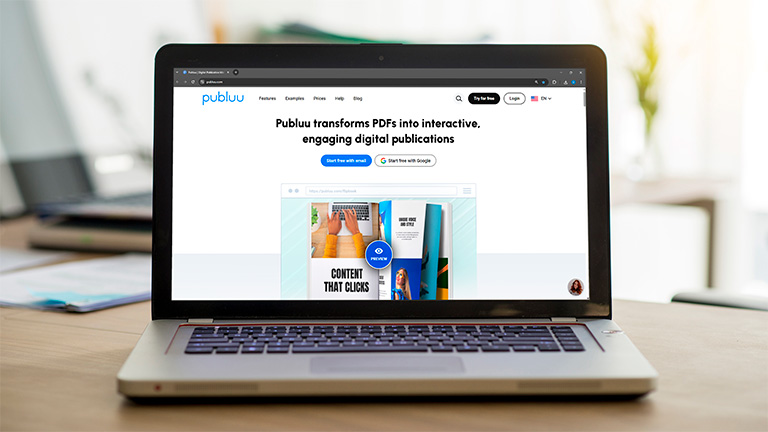
While tools like Canva help you create designs, Publuu takes your PDFs and makes them shine. Whether you're showcasing presentations, reports, or infographics, Publuu transforms static documents into interactive, professional experiences that captivate your audience. You can even create a Canva flipbook and then export it to Publuu with a single click.
What sets Publuu apart is its browser-based PDF viewer with rich interactive features. You can add animated backgrounds, clickable hotspots that link to other content, or even your online store, and other engaging elements that bring your documents to life. The platform also provides detailed analytics, so you can see exactly how people interact with your content.
Publuu’s online flipbook example
MAKE YOUR OWN
Best features
➜ Interactive elements, from animations to custom forms
➜ Animated backgrounds and sounds
➜ Smart hotspots that can trigger animations, link to other sites, and integrate with online stores
➜ Easy to use, with responsive customer support
| Pros | Cons | Pricing |
|
|
|
2. Visme
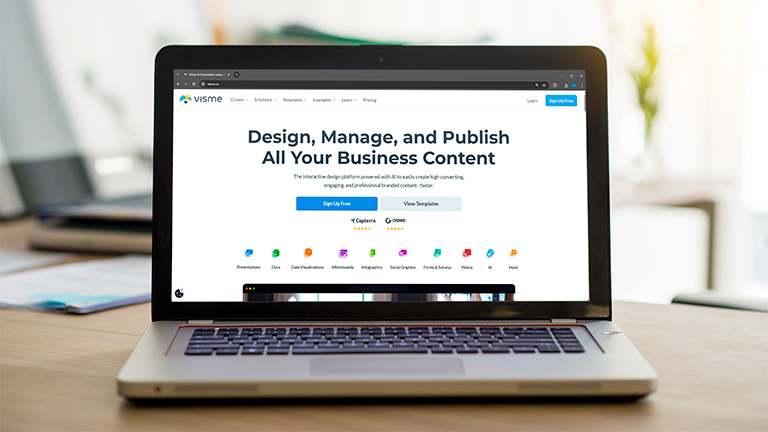
Visme is a pretty packed graphic design tool that's easy to use but offers a ton of features. It works for both individuals and businesses, but it's really focused on business use, especially when you need to create graphics that grab attention and show data as charts or infographics.
| Pros | Cons | Pricing |
|
|
|
3. Adobe Express (formerly Adobe Spark)
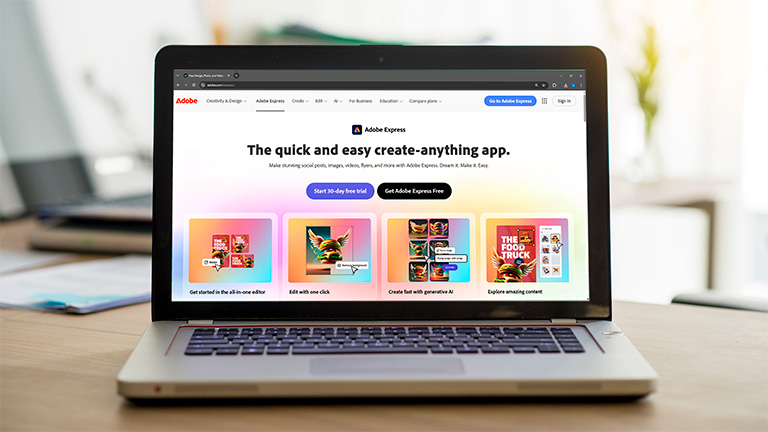
Adobe Express is an online tool for quick graphic design. Not only it's simpler than Photoshop or Illustrator, it offers a clean interface and it's easy to master. It is great for creating social media graphics, presentations, reports, simple responsive websites, and short animated videos.
| Pros | Cons | Pricing |
|
|
|
4. Easil
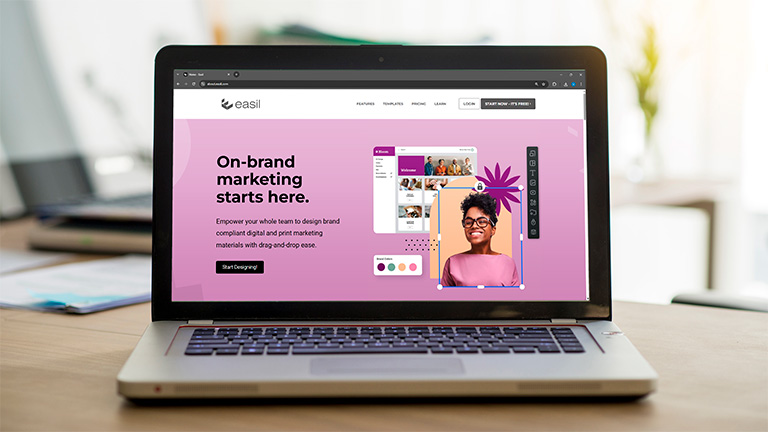
Easil has a clean user interface with fresh, vibrant templates and creative elements like stickers and QR codes. It’s also known for its advanced collaboration features, allowing multiple team members to work on a project at the same time.
| Pros | Cons | Pricing |
|
|
|
5. Snappa
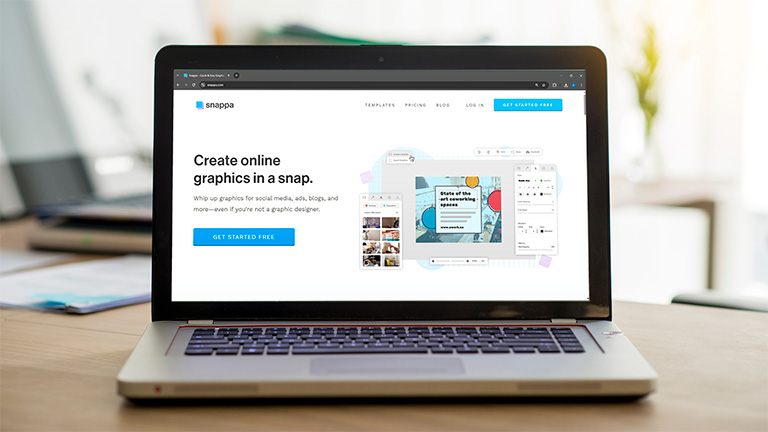
Snappa really shines when it comes to creating eye-catching blog graphics and social media content. It’s got a clean, simple editor and over 6,000 templates specifically for platforms like Facebook, Instagram, X, Pinterest, and even Zoom.
| Pros | Cons | Pricing |
|
|
|
6. Stencil
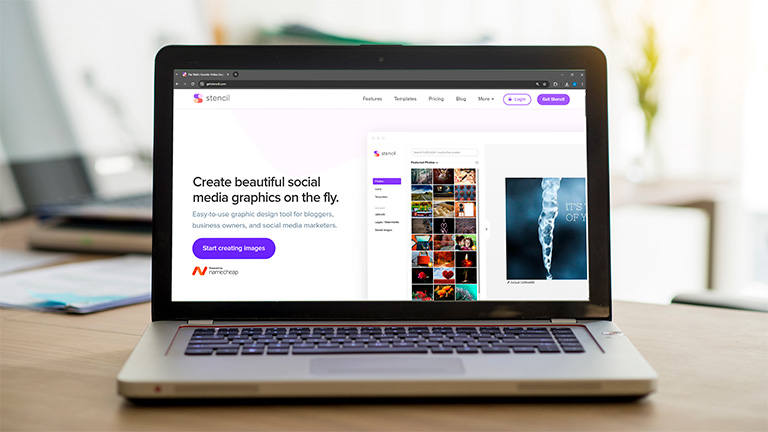
Stencil is a simple, easy-to-use alternative focused on creating unique social media and blog graphics. It’s organized, easy to use, and comes with a massive library of photos and icons.
| Pros | Cons | Pricing |
|
|
|
7. Desygner
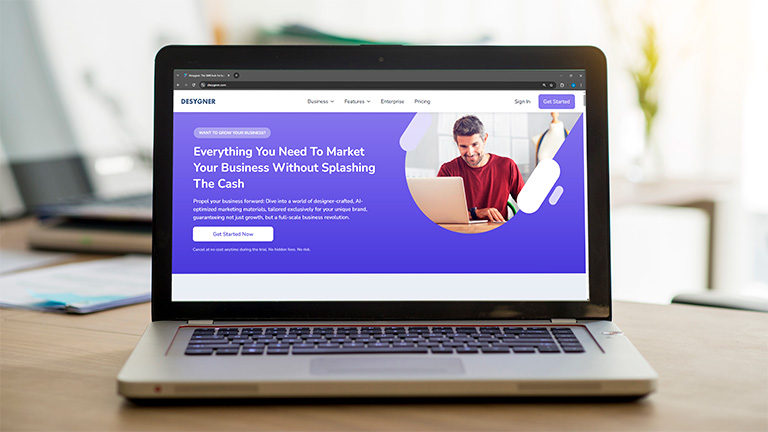
Desygner is aimed at small and medium-sized businesses (SMBs) looking for a quick and easy-to-use design solution. While less powerful than some alternatives, it offers excellent value for teams.
| Pros | Cons | Pricing |
|
|
|
8. Pixlr
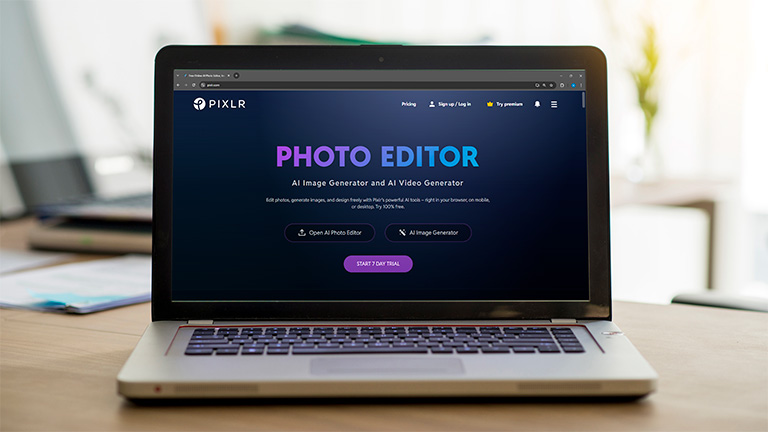
Pixlr is presented as an alternative to both Canva and Adobe Photoshop. It offers a wide range of photo editing and graphic design features suitable for everyone from beginners to pros, and it has a layout that feels familiar if you've used Photoshop (tools on the left, layers on the right).
| Pros | Cons | Pricing |
|
|
|
9. Photopea
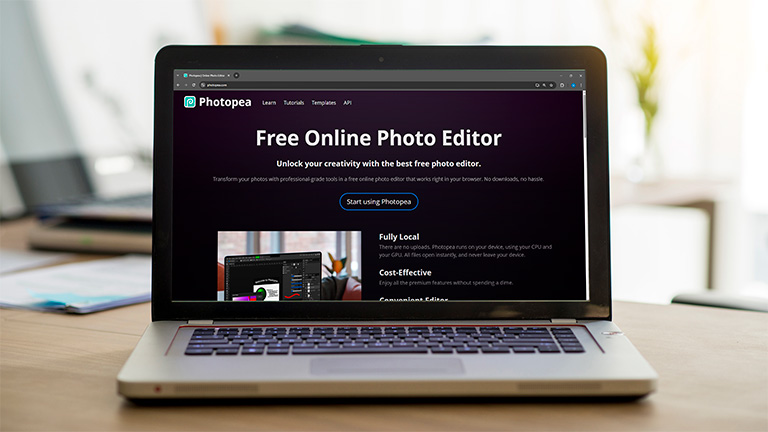
Photopea is often called a go-to Canva alternative, but it's also a fantastic Photoshop alternative. It's great for quick edits, but it also handles advanced stuff, letting you do everything from basic cropping and resizing to complex color adjustments and filter applications.
| Pros | Cons | Pricing |
|
|
|
10. Colorcinch
Colorcinch is characterized as a full-fledged online photo editor. It offers essential features ranging from basic edits like cropping and resizing to more advanced capabilities such as exposure correction and color replacement.
| Pros | Cons | Pricing |
|
|
|
11. Venngage
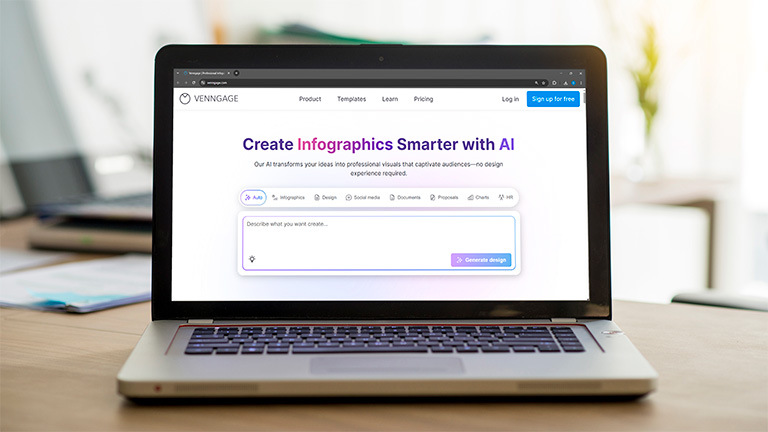
Venngage is an online platform that allows companies and professionals to create visual materials without graphic design skills. It offers an easy-to-use drag-and-drop editor and a vast library of templates for designing infographics, engaging presentations, professional reports, and more. The platform's collaboration features streamline teamwork, and finished designs can be exported in all major formats.
| Pros | Cons | Pricing |
|
|
|
The best Canva alternatives, summed up
| Tool | Best for | Key features | Pricing starts from |
| Publuu | Interactive flipbooks from existing designs | Page-turn effects, interactive elements, analytics | $7/month |
| Visme | Data-rich presentations & infographics | Advanced data widgets, AI tools, collaboration | $15/month |
| Adobe Express | Quick graphic design with Adobe integration | AI capabilities, seamless Creative Cloud integration, branded stories | Free (Premium $9.99/month) |
| Easil | Collaborative design with unique templates | Advanced collaboration, content-locking, unique design elements | $7.50/month |
| Snappa | Fast social media & blog graphics | 6,000+ social media templates, Buffer integration | Free (Pro $10/month) |
| Stencil | Simple social media & blog graphics | Massive photo and icon library, quick canvas adjustments | Free (Pro $9/month) |
| Desygner | Affordable team design for SMBs | Asset libraries, auto design, AI image generator (higher plans) | Free (Pro+ $9.95/month) |
| Pixlr | Photo editing & graphic design (Photoshop-like) | Advanced photo editing, layer-based editing, filters & effects | Free (Premium $4.90/month) |
| Photopea | Free, professional-grade photo editing | Advanced photo editing, supports .PSD, .AI formats, completely free | Free |
| Colorcinch | Online photo editor | Basic to advanced photo edits, exposure correction, color replacement | Free (Pro $6.99/month) |
| Venngage | Tool for creating infographics | Rich library of templates | Free (pro $19/month) |
Which Canva alternative is the best?
The "best" alternative depends entirely on your specific needs and what you're looking for beyond Canva. Canva is excellent for its versatility and ease of use, but specialized tools can offer more in certain areas.
If you can already create content in tools like Affinity or Scribus, or use Canva but want to present your work, pick Publuu. Publuu flipbooks let you publish any content and promote straight to your audience or fans.
If you want something that feels very similar to Canva but with a fresh set of templates and better integration with pro-level design tools, Adobe Express is my top recommendation.
If your only goal is to create eye-catching blog and social media images as quickly as possible, Snappa is a great tool for you.
Canva alternatives FAQ
Is there a better alternative to Canva?
It depends on your needs! While Canva is great for everyday design, some tools are better for specific tasks:
- Publuu: Best for turning your PDF documents into interactive online flipbooks.
- Adobe Express: Ideal if you use other Adobe creative programs or need a consistent brand look.
- Visme: Perfect for presentations with data or interactive designs.
- Snappa: Excellent for quickly creating social media images.
- Photopea: A powerful tool similar to Photoshop for detailed photo editing.
If Canva’s collaboration features or animations feel limiting, one of these might be for you.
Who are Canva main competitors?
Canva's got many rivals in the design world, each with its own strength:
- Adobe Express: A similar app, with good integration with other Adobe tools and smart AI features.
- Visme: Great for businesses that need to show data clearly and work together on projects.
- Snappa and Stencil: These are designed for making social media posts and other quick graphics.
- Pixlr and Photopea: These focus more on editing photos, much like simpler versions of Photoshop.
What are the best free alternatives to Canva?
If you're on a budget, there are some excellent free options, though they might have fewer features. Here are some of the best free ones we've mentioned:
- Photopea: This is one of the top free choices. It's like a full Photoshop alternative with pro tools, and it's completely free (just ad-supported). Great for editing photos and designs.
- Pixlr: Super user-friendly with a familiar interface; the free version handles basic photo editing and graphics, but you won't get the extra features found in the paid version.
- Visme: A good option for businesses focused on presenting data visually and team collaboration.
Conclusion on Canva alternatives
Sure, Canva is a great choice but if you see new alternatives, you can discover new possibilities, features, user experience - or better prices. You can't find out what else is there if you don't try!
Many tools in our ranking offer free trials or basic free versions, allowing you to test them out and see how they integrate with your workflow! Explore tools like Publuu and discover the tool that lets you create your best work!
You may be also interested in:
What is a brand kit and how to create it + examples
Best presentation apps for 2026