


Online Flipbook Maker
Convert your PDF into a digital flipbook with a realistic page-flip effect. Customize it with your background, logo, videos and photo galleries. Share flipbooks and see how readers view them in real time.



What is a flipbook?
A flipbook is an interactive, online publication that simulates the experience of a physical book with realistic page-turning animations. Flipbooks can include interactive elements like embedded videos, clickable links, animations, slideshows - features not supported in a traditional PDF. They are easily shared via direct link and offer real-time statistics, showing how many times they were opened, how long readers viewed them, and how they interacted with the content.
How to make a flipbook?
1. Upload a PDF file
First, upload your PDF, and Publuu will instantly convert it into a digital flipbook, ready to be customized and shared online.
2. Customize it
Adjust the navigation, layout or colors. Brand it with your logo and enrich it with hotspots and other multimedia elements.
3. Share and publish
Share your flipbook with a link, post it on social media or embed it on your website with few clicks.
4. Track and analyze
Track your flipbook in real time. Monitor views, clicks, and time spent on each page. Get notified when your content is accessed.
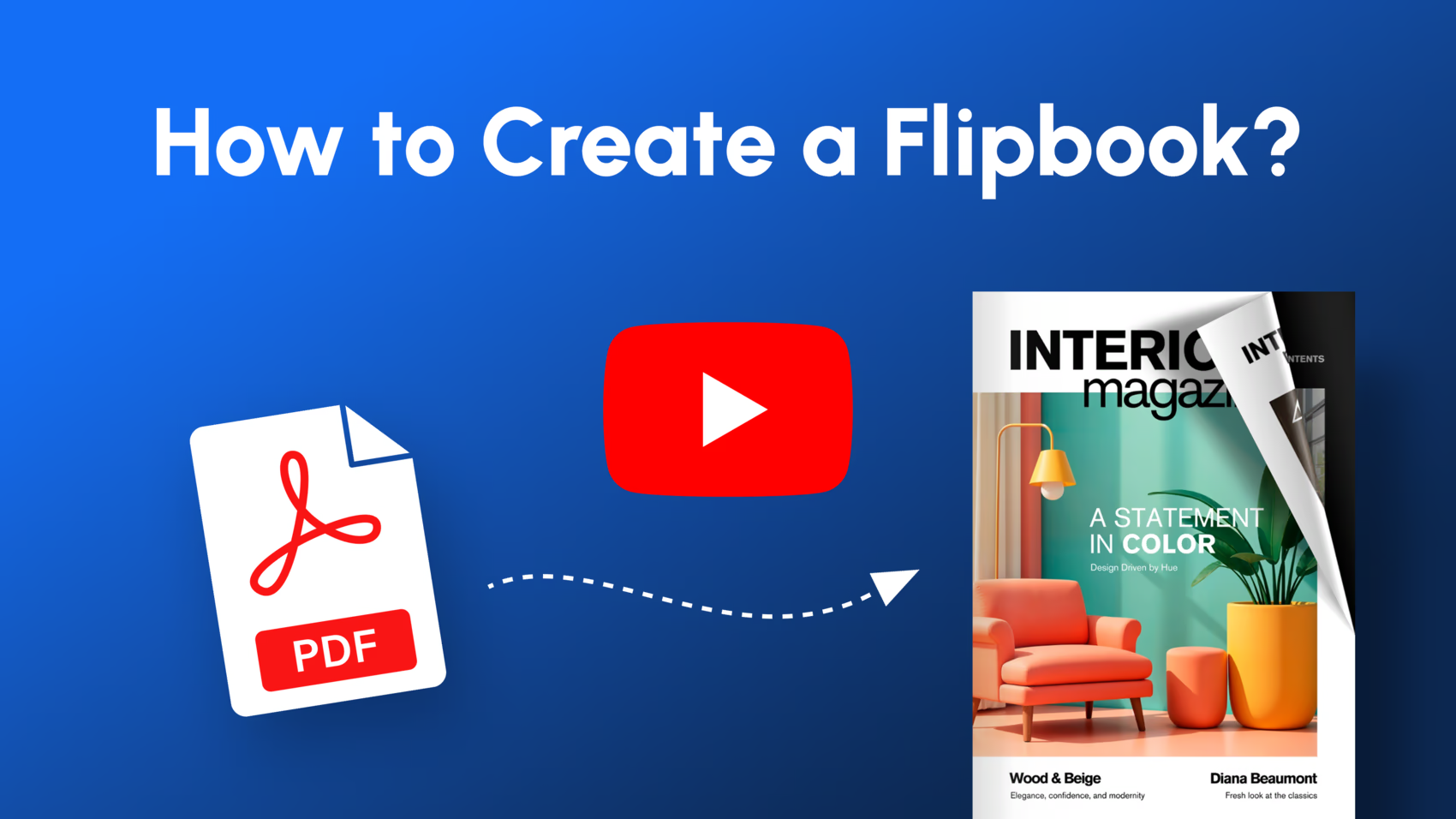
See our flipbook maker in action
This short preview shows how a plain PDF can be turned into an interactive flipbook online.
To explore all features, such as branding or lead capture, simply create a free account.

Preview mode is limited to the first 10 pages.
Start your free 14-day trial to view the entire flipbook.


Multiple sharing options

Share your flipbooks via link, email, social media, or embed them on any site.

Hotspots
Add interactive videos, links, and images to engage your audience.

Lead forms
Collect leads directly from your flipbooks with built-in forms.

Statistics
See who’s reading, clicking, and how long they stay.

Password protection
Secure your flipbooks with password access.

Easy updates
Update content anytime – no need to resend links.

And much more...
Enjoy features like background music, logos, and custom branding.
More than 500,000 businesses worldwide already trust Publuu

Reasons why people choose our flipbook creator
Accessible for everyone
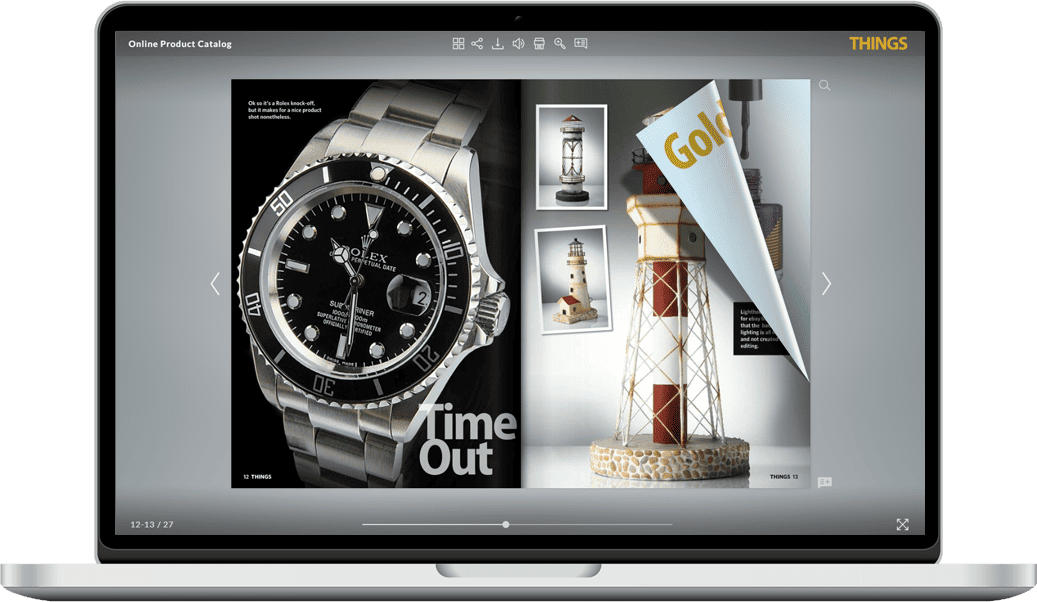
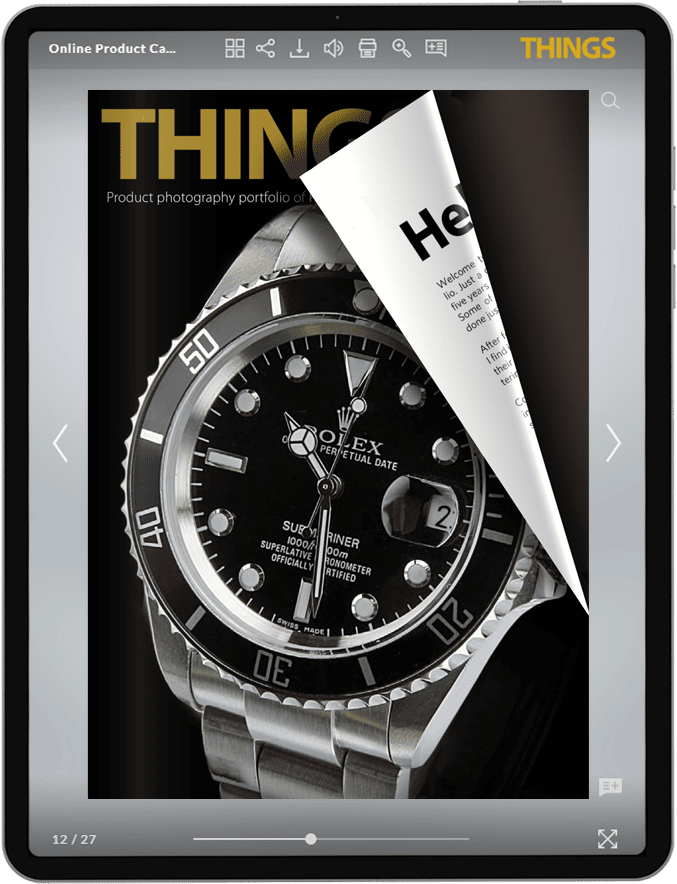
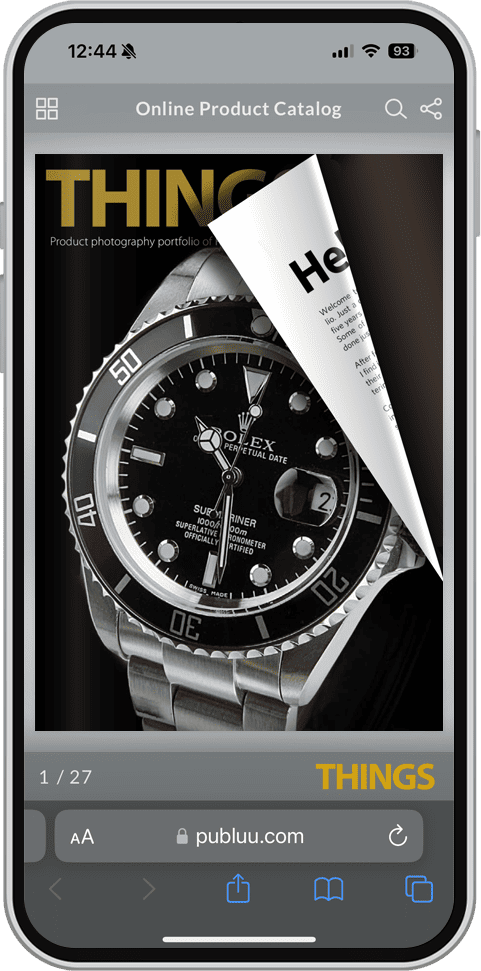
Publuu flipbooks can be viewed on any device, including phones, tablets, and computers. The viewer uses a responsive layout, so the content automatically adjusts to different screen sizes and remains easy to read across all platforms.
No experience, no coding required
Publuu lets you create interactive documents without any technical skills. Our no-code flip book creator is easy to use, and if you ever need help, our support team is available every day via chat and email.
Clickable hotspots
Hotspots are small animated buttons that you can place on your pages. When a reader clicks one, it can open a photo gallery or video in a small pop-up window, play an audio clip, or take them to an external webpage. This keeps the page clean while giving readers more to discover whenever they want.
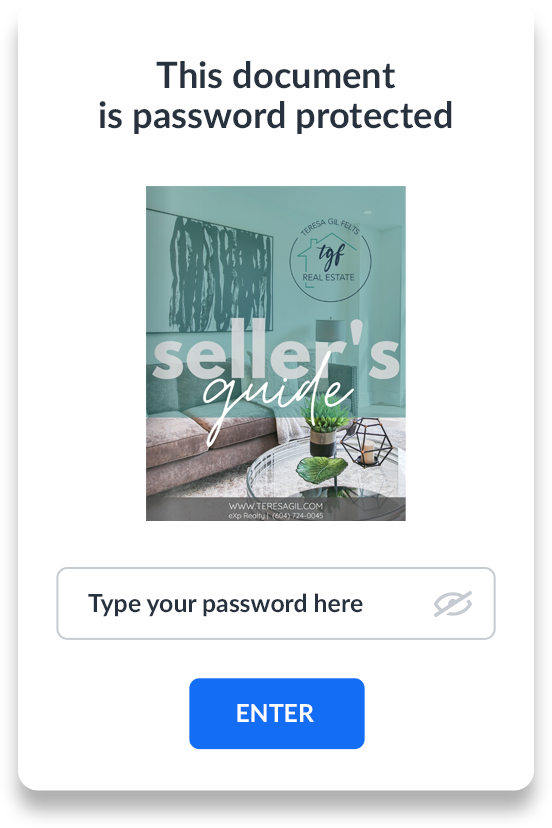
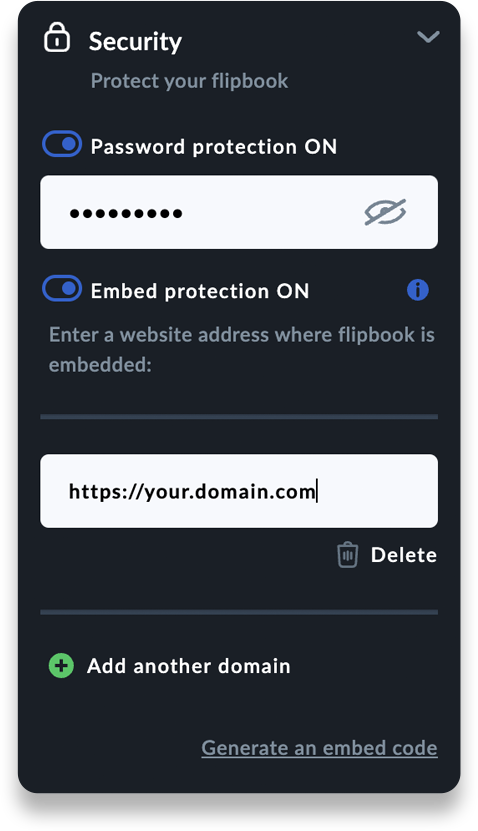
Advanced content protection
Choose the security options that work best for you. Protect your flipbook with a password or disable download, printing, and sharing features. You can even use embed protection to make sure it’s only viewable on your website. With these options, you can confidently share your content while keeping it safe and exclusive to your audience.


Branding made easy
You can present your digital flipbook under your own brand. Add your logo, apply your style, and share it with a custom link. Publuu branding can be removed, so the publication looks completely yours.
Sales features
With Publuu’s Wishlist feature, your viewers can save their favourite products to a list and send it directly to you via email. The Product Tag feature makes it easy for readers to explore product details, check out discount offers, and even make purchases – turning your flipbook into an online shopping tool.
Analytics and reader insights
Get a clear picture of how your audience interacts with your digital flipbooks. Use this valuable data to better understand your clients and improve your content strategy. Plus, easily integrate with Google Analytics for even deeper insights!
E-mail notifications
Get instant notifications whenever someone opens your flipbooks. Stay updated with real-time alerts, so you can follow up and connect with your audience while they’re most interested. Don’t miss the moment – engage when it matters most!
More flipbook maker features
Smart features that help you work faster, spend less, and hold your audience’s attention for longer.
-

Cost saving
Cut printing and distribution costs by sharing your content online. It’s more affordable, faster to deliver, and can reach a much wider audience.
-
Easy content updates
Want to change something in a document you’ve already shared or published? Just replace the PDF file – it updates instantly, and the original link stays the same.
-
Lead generation
Add a lead form to any page of your flipbook to collect readers’ contact details before they access the remaining pages.
-
PDF management
Use Publuu as your PDF file management system – store, organize, and present your documents online in one place.
-
AI chat
Add custom forms or an AI chatbot to your pages so readers can ask questions or send information directly inside your publication.
-
Read with ease
Text and images are presented clearly without distractions, while the page-turn animation offers a smooth way to browse your document.


Explore inspiring flip book examples
Digital flip books - great choice for all types of publications!

Do you sell your services or products online?
You can turn your PDF catalog into an online version with Publuu to present your products and services in more engaging way. Add product tags with high-quality images, discounts and sales buttons. Let your customers browse and shop directly from your online catalog.

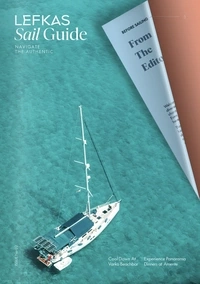

Are you a magazine publisher looking to reach a wider audience?
Publuu offers numerous features designed to help digital magazine publishers attract more readers online. Use these tools to create a more engaging and accessible reading experience, expand your reach, and effectively convert readers into loyal subscribers.
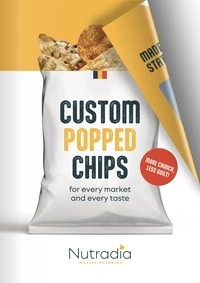

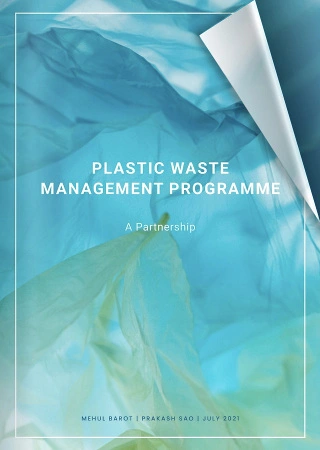
Are you still spending money on expensive printed brochures?
Start promoting your business online for much less with digital brochures. Create them with Publuu, and you’ll impress your clients with their stunning look and always up-to-date content, available 24/7. Send your online brochures to any number of customers or potential clients instantly, at no extra costs!
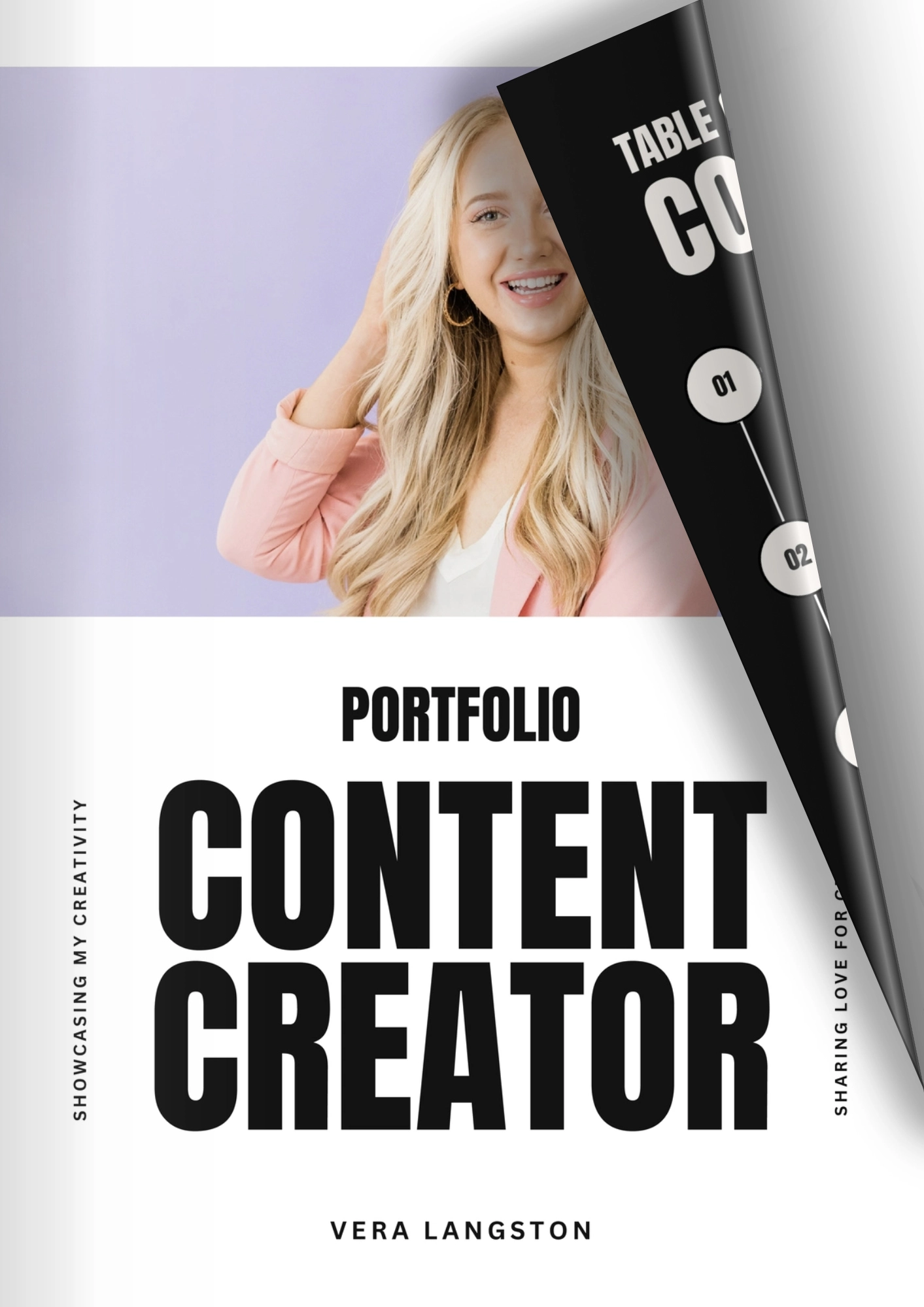
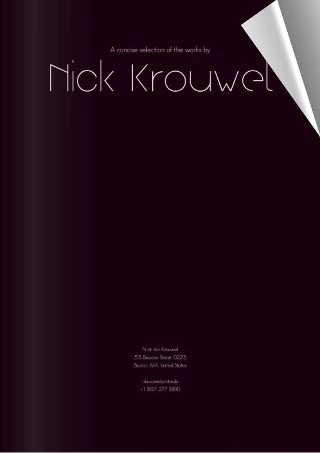

Looking for a way to create a portfolio that truly stands out?
Turn your portfolio into a professional-looking, dynamic presentation that showcases your skills, qualifications, and top projects – all without needing advanced graphic design skills! Whether you are showing creative projects, professional achievements, or artistic work, our features help you highlight important key details.
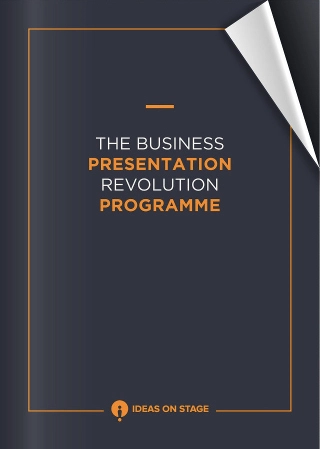

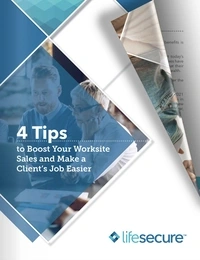
Do you need a professional online presentation?
Each of these documents should always look sleek and be immediately available to your clients. Fliphtml5 books are perfect for this purpose. They will satisfy even the most demanding recipients. Additionally, thanks to the email notification function, you will always know when your digital presentation has been opened.
Customer reviews and feedback


“Absolutely brilliant!”
I love how easy it is to replace flipbook’s content. I’m also excited about the other features – especially the ability to include videos! The built-in analytics and the option to require registration are exactly what I needed.

“Affordable and easy to manage”
As a coach, I can now create eBooks easily and with high quality. I previously used other platforms, but they were expensive and complicated to manage. Publuu offers the best features and pricing!

“Simple and effective which is just what is needed”
Publuu allows us to embed a digital brochure on our website and capture leads from potential clients. The statistics on hits are also very useful, as they enable us to track how our flipbook is performing.

Leadership awards








Flipbook maker FAQ
-
Is it easy to make a digial flipbook with Publuu?

Yes, it’s totally easy! You don’t need any design or coding skills to make your own beautiful flipbook – just prepare your PDF file and use the upload button at the top of this page to transform it into an interactive document.
-
How do you create a flipbook with Publuu?
To create a flipbook, you need to prepare a PDF file with your content, then create a free account at Publuu and upload a file. Our Online Flipbook Maker will convert it into a fantastic flipbook that you can easily customize with your branding, share anywhere on the web, and track its real-time performance.
-
What is the difference between a PDF and a flipbook?
PDFs remain one of the most popular file types, but they lack many essential functions. A digital flipbook created with Publuu has a realistic page flip effect, can be easily shared and enriched by plenty of animated elements. Moreover, our tool lets you track your content's real-time performance, which isn’t possible with a simple PDF file.
-
How do I create a flipbook for free?
You can create your first stunning flippingbook catalog, magazine, and brochure during the free trial that Publuu offers and try all of the great functions, such as statistics, tracking links, lead generation tool and much more.
-
Is Publuu a secure platform for hosting and sharing my content?
Publuu is a well-established flipbook platform trusted by numerous businesses for its reliability and security. It follows strict industry standards to ensure data protection and content security.
-
Is there a page limit for uploaded files?
No, there’s no page limit. You can upload files with as many pages as you need, and Publuu will convert your PDF into a fully interactive online publication with page-turning animations and realistic visual effects.
-
What do I need to get started?
All you need is a PDF. Upload it, and Publuu will make it viewable online within seconds, in a clean, responsive format that works smoothly on any device.
-
Will you display any ads in my flipbook?
No, there will never be any ads distracting your recipients from your content.
-
Can I edit or replace my document after sharing it?
Absolutely! With Publuu’s Replace feature, you can update your document even after sharing it - without changing the link or losing any analytics. Your readers will always see the most up-to-date version automatically.

Managing your flipbooks
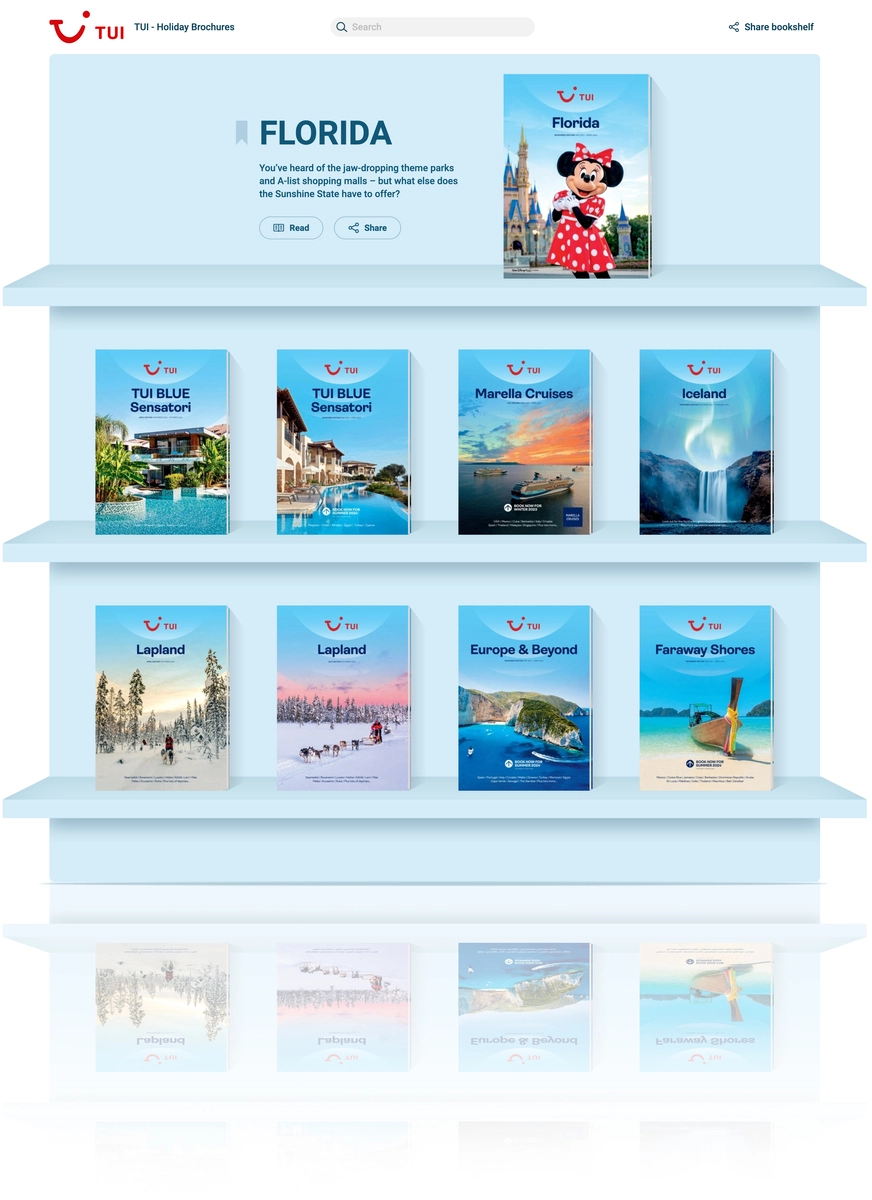
Virtual Bookshelf
Perfect for presenting your flipbook collection
Your online space to store, organize, and share flip books in a beautiful, bookshelf-style display.

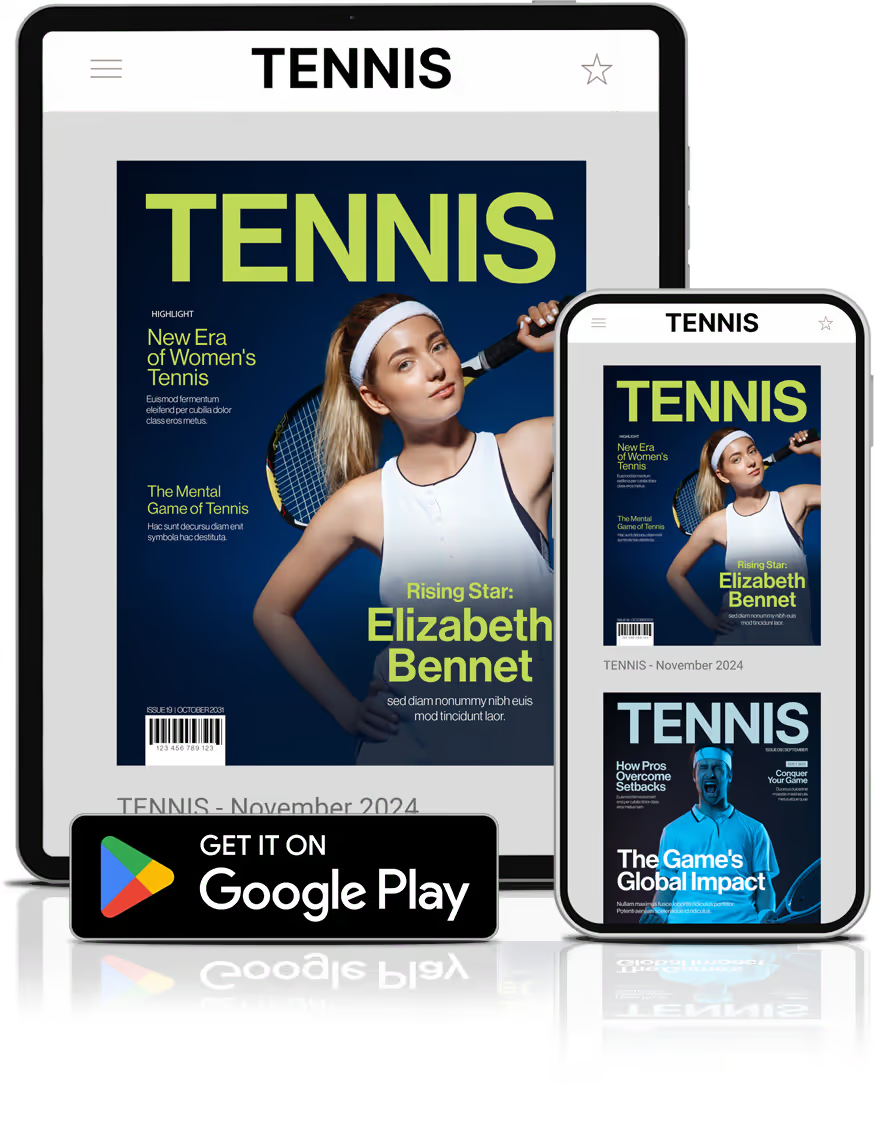
Flipbook App
Mobile app for all your digital publications
Publish your content on Google Play to make it accessible even offline!
